
Chevrolet Sonic Repair Manual: Instrument Panel Storage
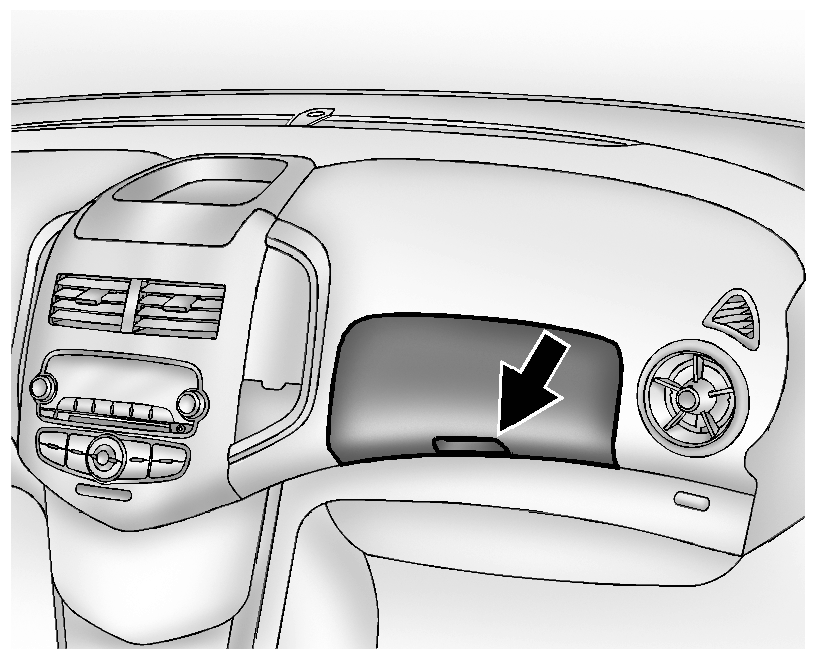
Lift up on the lever to open.
If equipped, the storage area has an auxiliary input jack and USB port inside.
 Instrument Panel Outer Trim Cover Replacement
Instrument Panel Outer Trim Cover Replacement
Callout
Component Name
1
Instrument Panel Outer Trim Cover (Qty:?€‰2)
...
 Instrument Panel Tie Bar Replacement
Removal Procedure
Remove the Instrument panel assembly. Refer to Instrument Panel Assembly
Replacement.
Remove the steering column and wheel from the vehicle. Refer to Steering
...
Other materials:
If the Vehicle Is Stuck
Slowly and cautiously spin the wheels to free the vehicle when stuck in sand,
mud, ice, or snow.
If stuck too severely for the traction system to free the vehicle, turn the traction
system off and use the rocking method. See Traction Control/Electronic Stability
Control.
Warning
If the vehi ...
Front Compartment Front Insulator Cover Replacement
Front Compartment Front Insulator Cover Replacement
Callout
Component Name
1
Front Compartment Front Insulator Cover Screw (Qty:?€‰2)
Caution: Refer to Fastener Caution.
Tighten
2.5?€‰Y (22?₠...
How to enable/disable the systems
Vehicle information display
Steering-wheel-mounted controls (right side)
Basic information
In the Nissan Armada, a wide range of Driver Assistance systems can be easily
customized through the vehicle information display. Using the steering-wheel-mounted
controls, the driver can navi ...

0.0066