
Chevrolet Sonic Repair Manual: Body Hinge Pillar Lower Reinforcement Replacement
- Removal Procedure
-
- Disable the SIR system. Refer to SIR Disabling and Enabling.
- Disconnect the negative battery cable. Refer to Battery Negative Cable Disconnection and Connection.
- Remove all related panels and components.
- Repair as much of the damage as possible. Refer to Dimensions - Body.
- Remove the sealers and anti-corrosion materials from the repair area. Refer to Anti-Corrosion Treatment and Repair.
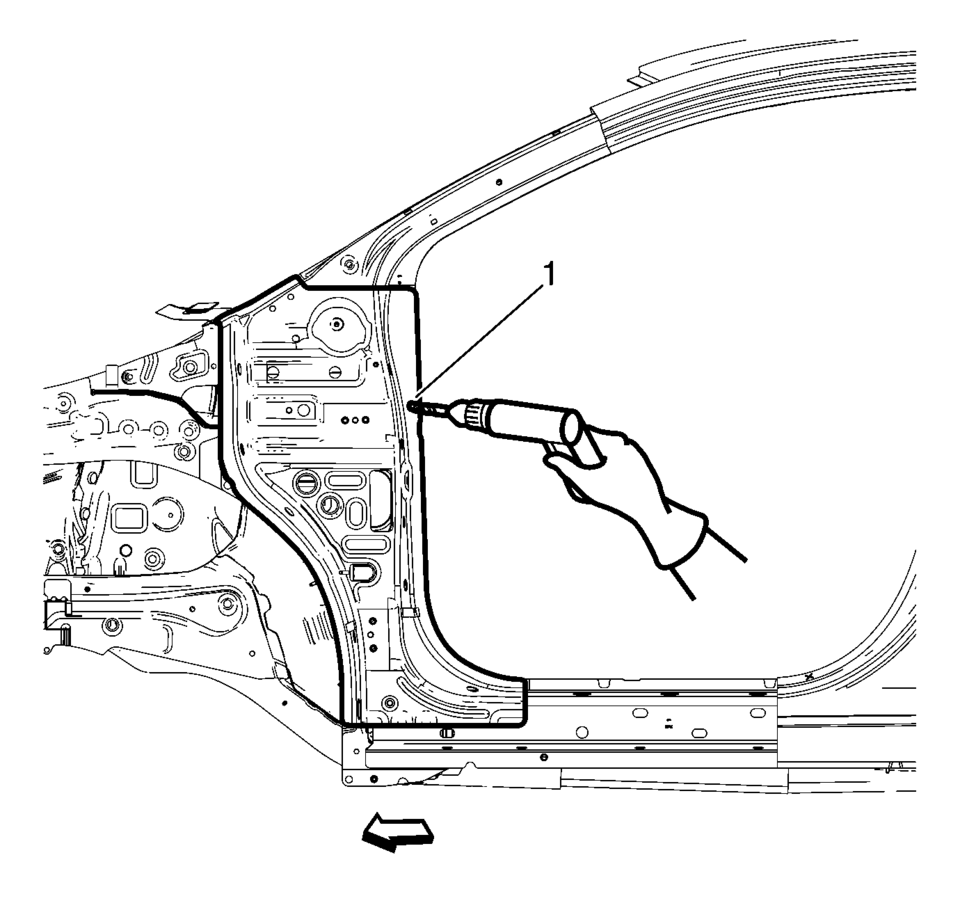
- Locate and mark all the necessary factory welds of the front hinge pillar body.
- Drill all factory welds (1). Note the number and location of welds for installation of the service assembly.
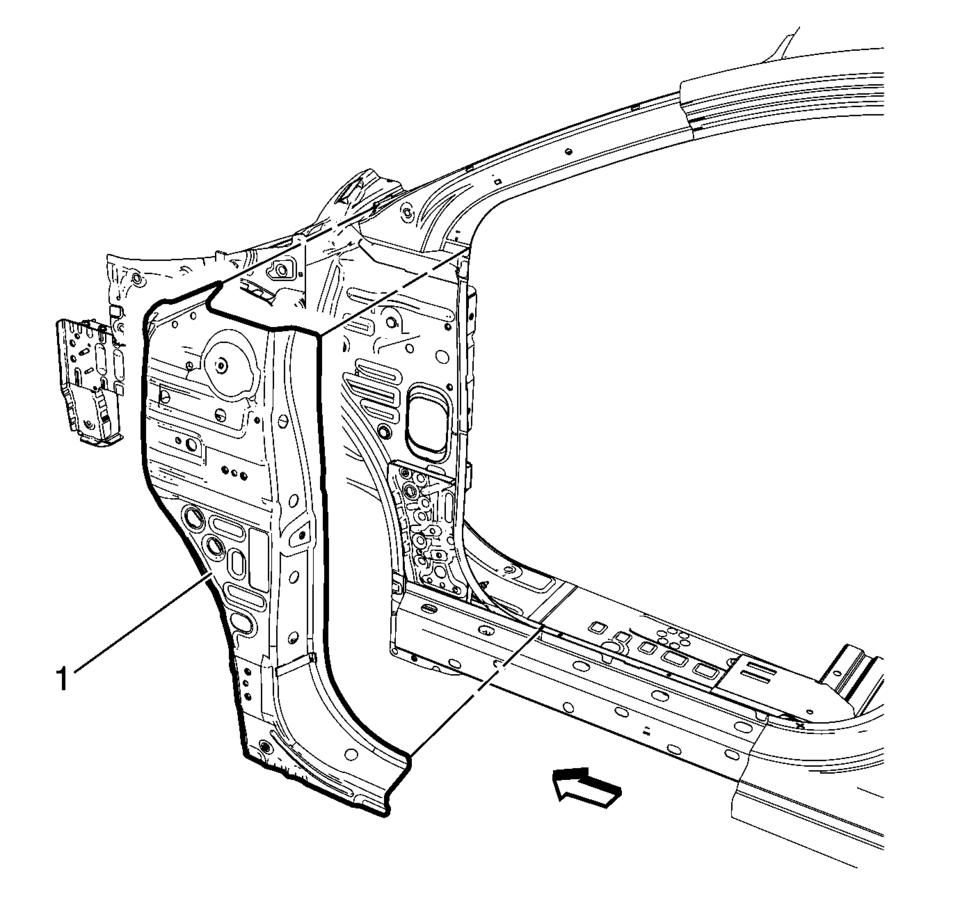
- Remove the damaged front hinge pillar body reinforcement (1).
Warning:
Refer to Approved Equipment for Collision Repair Warning.
- Installation Procedure
-
- Prepare all mating surfaces as necessary.
- Align the front hinge pillar body reinforcement.
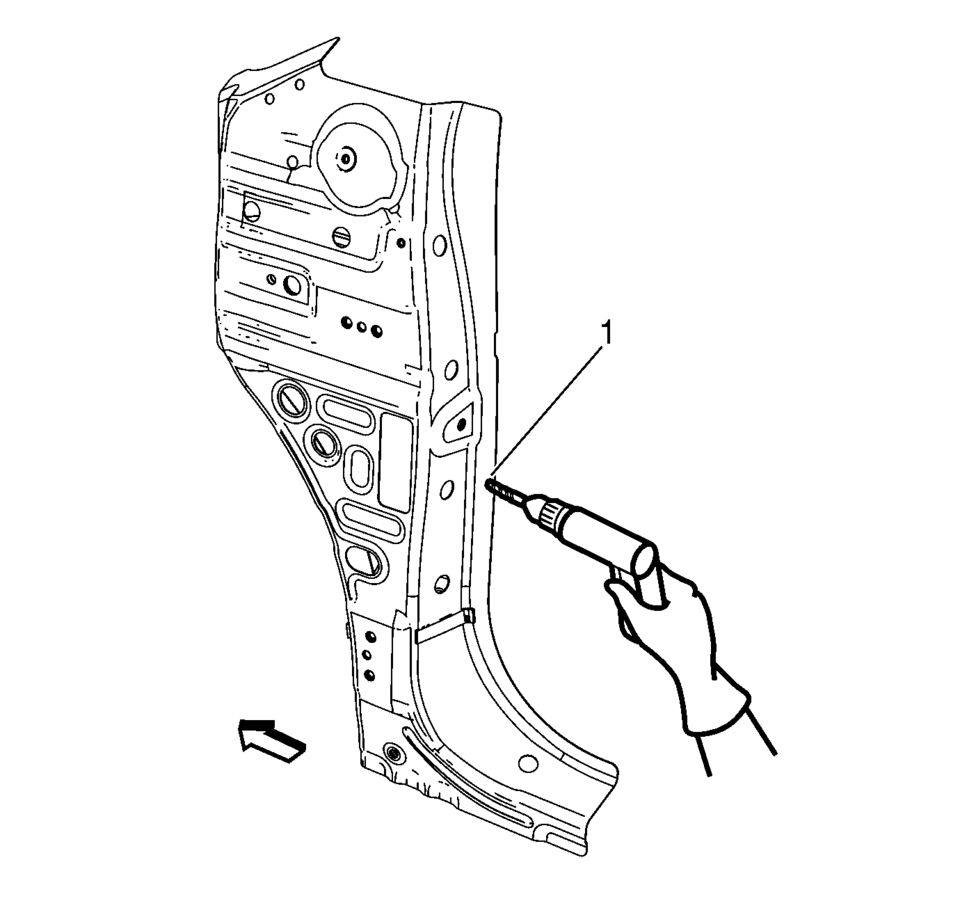
- Drill 8 mm (5/16 in)
holes for plug welding along the edges of the front hinge pillar body as noted from the original panel (1).
- Clean and prepare the attaching surfaces for welding.
- Position the front hinge pillar body reinforcement on the vehicle (1).
- Verify the fit of the front hinge pillar body reinforcement.
- Clamp the front hinge pillar body reinforcement into position.
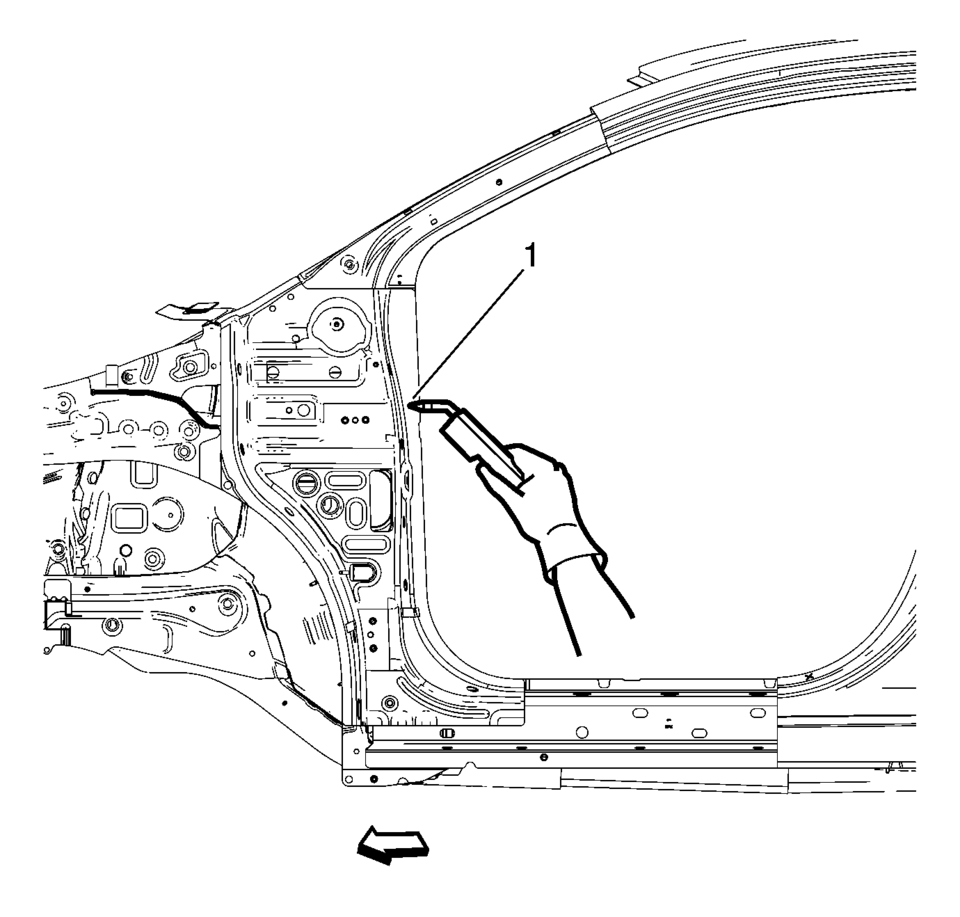
- Plug weld accordingly (1).
- Apply the sealers and anti-corrosion materials to the repair area, as necessary. Refer to Anti-Corrosion Treatment and Repair.
- Paint the repaired area. Refer to Basecoat/Clearcoat Paint Systems.
- Install all related panels and components.
- Connect the negative battery cable. Refer to Battery Negative Cable Disconnection and Connection.
- Enable the SIR system. Refer to SIR Disabling and Enabling.
 General
...
 Body Waterleak Repair
Warning: If the vehicle interior is exposed to moisture and becomes
soaked up to the level of the sensing and diagnostic module (SDM), the SDM and
SDM harness connector must be replaced. ...
Other materials:
Front Side Door Lock Cylinder Replacement
Front Side Door Lock Cylinder Replacement
Callout
Component Name
1
Front Side Door Lock Cylinder Screw Access Plug
Tip: Use the appropriate tool, remove the plug.
2
Front Side Doo ...
Wheel Alignment Measurement
Steering and vibration complaints are not always the result of improper alignment.
One possible cause is wheel and tire imbalance. Another possibility is tire lead
due to worn or improperly manufactured tires. Lead/pull is defined as follows: At
a constant highway speed on a typical straight r ...
Turbocharger Cleaning and Inspection
Cleaning Procedure
Clean all sealing surfaces.
Clean all threads if necessary.
Inspection Procedure
Inspect the wastegate regulator mechanism (1) for functionality.
Inspect the turbine blades for damage or foreign material.
Inspect the t ...

0.0051