
Chevrolet Sonic Repair Manual: Body Waterleak Repair
Warning:
If the vehicle interior is exposed to moisture and becomes soaked up to the level of the sensing and diagnostic module (SDM), the SDM and SDM harness connector must be replaced. The SDM could be activated when powered, which could cause airbag deployment and result in personal injury.
Depending on the location of the waterleak, you may have to remove certain interior components in order to repair the leak.
- If the floor carpet is wet, refer to Floor Carpet Drying.
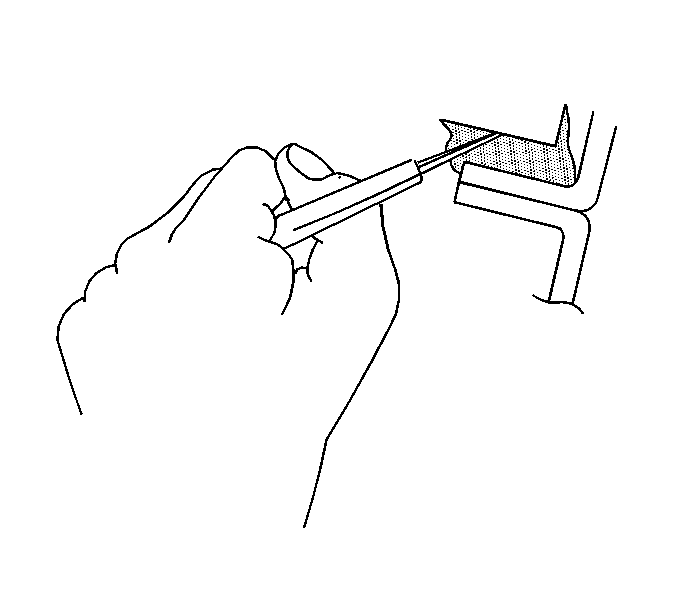
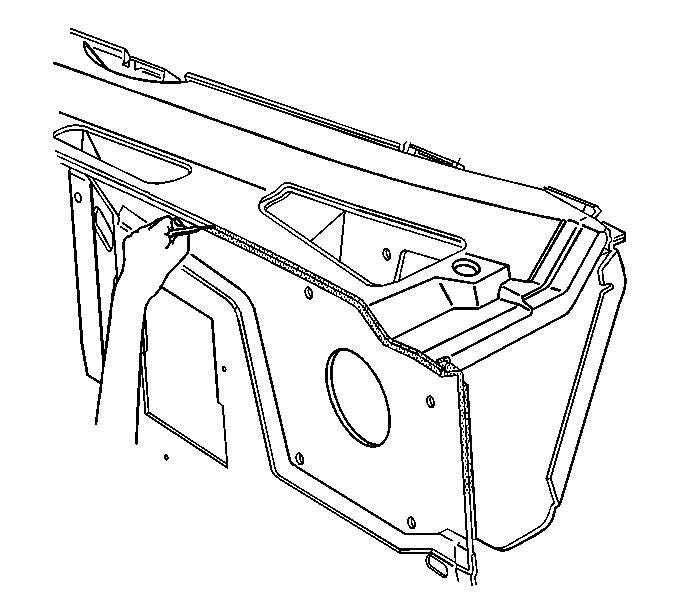
- Cut out a portion of the adhesive caulking in the leak area from inside or outside of the vehicle.
- Clean and remove all loose particles of the adhesive old caulking from the area.
- Apply joint body and seam sealer where the old adhesive caulking was removed.
- Allow the adhesive caulking to dry for several hours.
- Test for leaks.
- Install the trim, if removed.
 Body Hinge Pillar Lower Reinforcement Replacement
Removal Procedure
Warning: Refer to Approved Equipment for Collision Repair
Warning.
Disable the SIR system. Refer to SIR Disabling and Enabling.
Disconnect the nega ...
 Dimensions - Body (4NB)
Point-to-point measurements are for reference only. All measurements are given
in millimeters. Use these measurements for diagnosing and estimating. Point-to-point
measurements are duplicated with ...
Other materials:
Seat Adjustment
Manual Seats
To adjust a manual seat:
1. Pull the handle at the front of the seat.
2. Slide the seat to the desired position and release the handle.
3. Try to move the seat back and forth to be sure it is locked in place.
See Seat Adjustment.
Seat Height Adjuster
If available, move the le ...
Turbocharger Disassemble
Special Tool
EN-49940 Remover Quick Connector
For equivalent regional tools, refer to Special Tools.
Remove the 2 turbocharger oil return pipe bolts (2).
Remove the turbocharger oil return pipe (1) and the sealing (3) from the
turbocharger.
Note ...
Front Wheel Drive Shaft Seal Replacement - Case Side
Front Wheel Drive Shaft Seal Replacement - Case Side
Callout
Component Name
1
Front Wheel Drive Shaft Oil Seal
Special Tools
DT-23129 Universal Seal Remover
DT-47790 Seal Installer
GE-6125-1B Slide Hamme ...

0.0064