
Chevrolet Sonic Repair Manual: Crankshaft and Bearing Removal
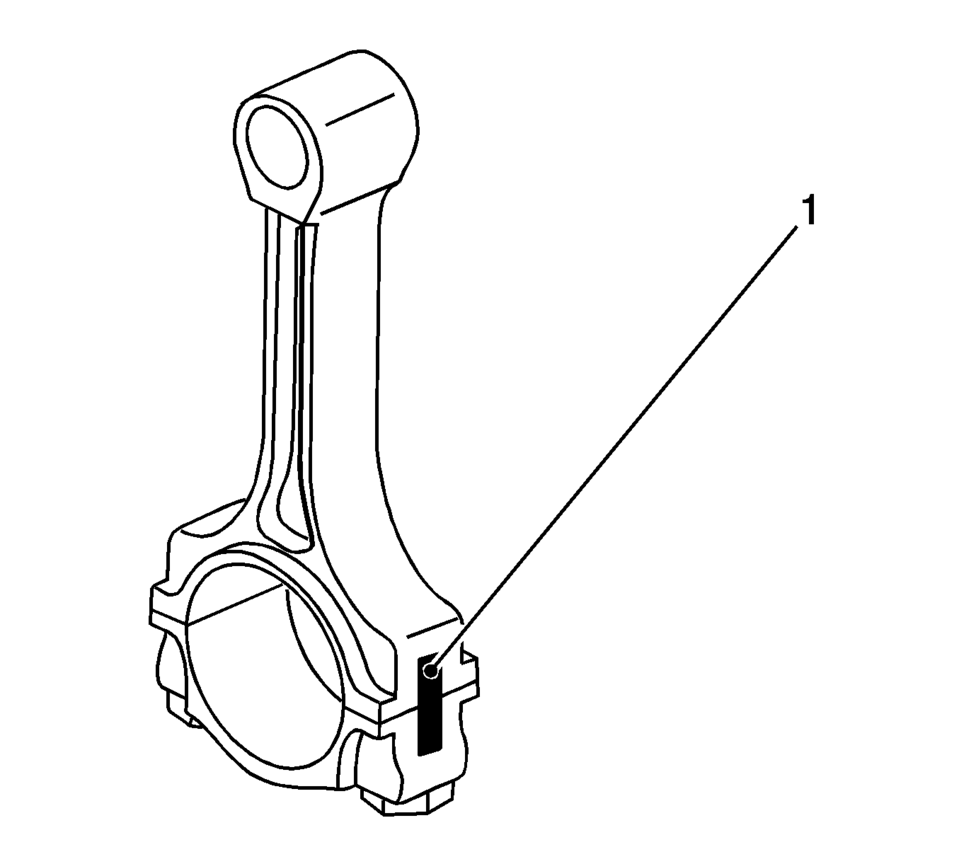
- Identify all the connecting rod bearing caps (1).
- Remove the 4 bolts.
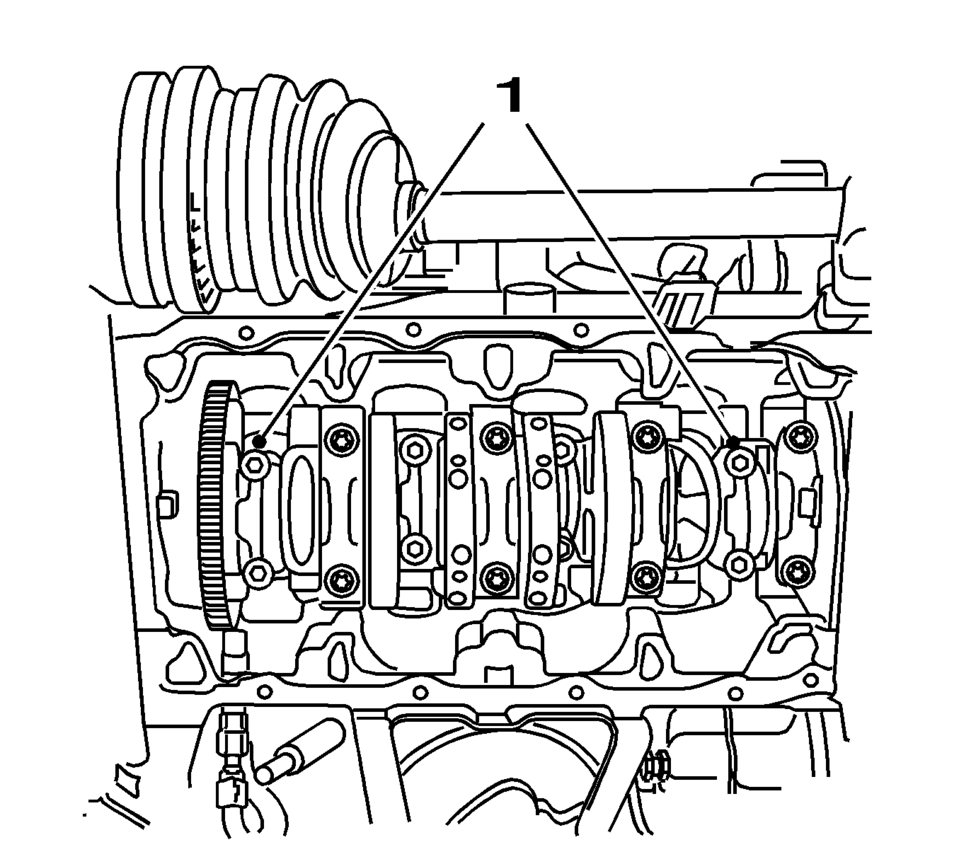
- Remove the connecting rod bearing caps 1 and 4 (1).
- Turn the crankshaft through 180°.
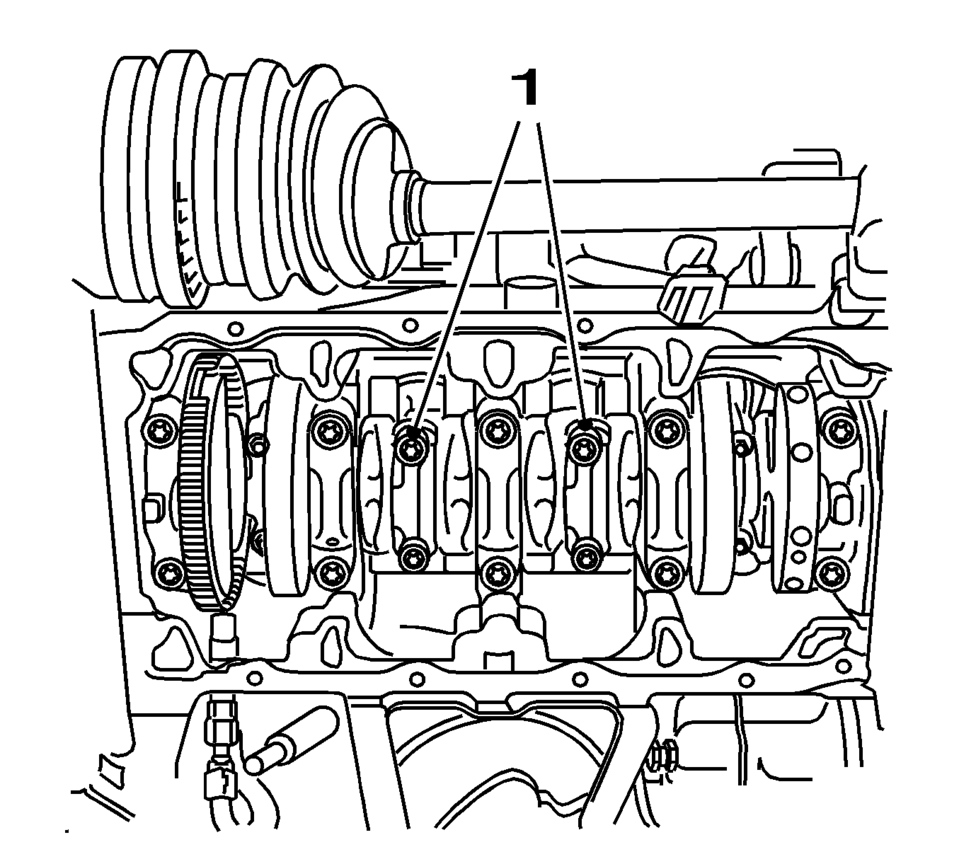
- Remove the 4 bolts.
- Remove the connecting rod bearing caps 2 and 3 (1).
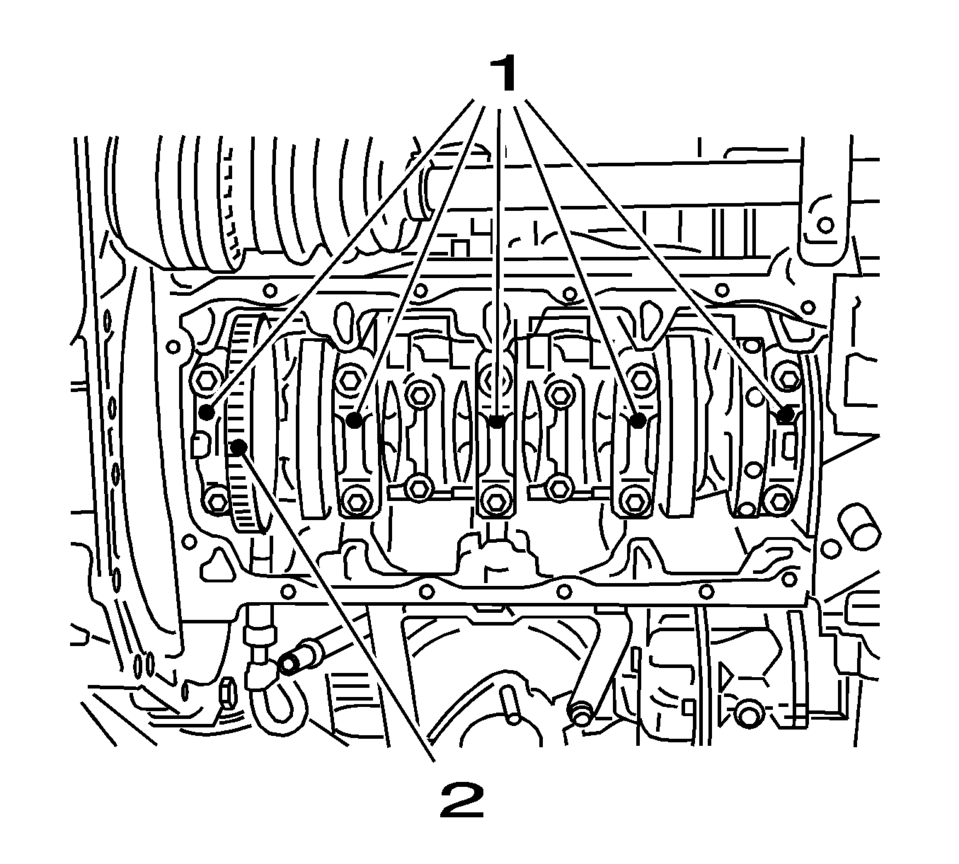
- Identify the crankshaft bearing caps.
- Remove the crankshaft bearing caps (1).
- Remove the 10 bolts.
- Remove the crankshaft (2).
- Remove the crankshaft bearing clips.
 Crankshaft and Bearing Installation
Special Tools
EN-45059 Torque Angle Sensor Kit
For equivalent regional tools, refer to Special Tools
Note: Inspect the installation position.
Install the crankshaft bearing cl ...
 Front Wheel Drive Intermediate Shaft Replacement
Front Wheel Drive Intermediate Shaft Replacement
Callout
Component Name
Preliminary Procedure
Raise and support the vehicle. Refer ...
Other materials:
Evaporative Emission Canister Purge Solenoid Valve Replacement
Evaporative Emission Canister Purge Solenoid Valve Replacement
Callout
Component Name
1
Purge Pipe Fittings (Qty: 2)
Procedure
Disconnect the vacuum lines quick connect fitting from the evaporative
emission ca ...
Exhaust Heat Shield Replacement
Exhaust Heat Shield Replacement
Callout
Component Name
Preliminary Procedure
Disconnect the exhaust system hangers and allow the exhaust system to
rest on the rear axle.
1
Exhaust Heat Shield Fa ...
Timing Belt Center Front Cover Replacement
Timing Belt Center Front Cover Replacement
Callout
Component Name
Preliminary Procedure
Remove the timing belt upper front cover. Refer to Timing Belt Upper
Front Cover Replacement.
Remove the engine mount bracket. Refer ...

0.005