
Chevrolet Sonic Repair Manual: Driver Information Center (DIC)
The DIC displays information about your vehicle. It also displays warning messages if a system problem is detected. See Vehicle Messages. All messages appear in the DIC display in the instrument cluster.
- DIC Operation and Displays
-
The DIC has different displays which can be accessed by using the DIC buttons on the turn signal lever on the left side of the steering wheel. The DIC displays trip, fuel, and warning messages if a system problem is detected.
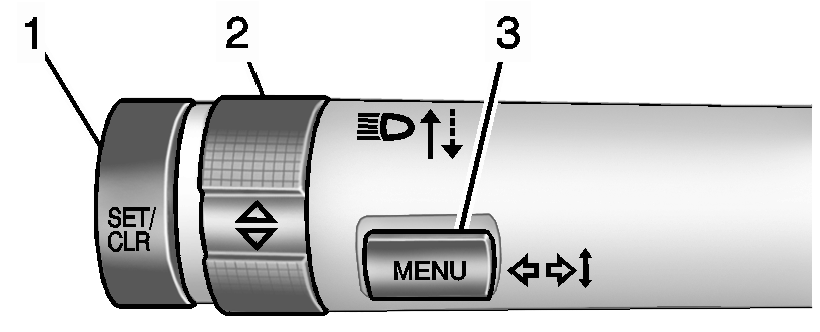
DIC Buttons
se/
- SET/CLR: Press to set or clear the menu item displayed. This is not used to reset the trip odometer. To reset the trip odometer, use the reset button on the tachometer in the instrument cluster.
- w x (Band): Turn the band to scroll through the menu items.
- MENU: Press to display the DIC menus. This button is also used to return to or exit the last screen displayed on the DIC.
- DIC Menu Items
-
Press MENU to view the DIC menus. Some items display in the upper display area, some in the lower display area, and others use both the upper and lower display areas. Use w x to scroll through the menu items. Not all items are available on every vehicle. The following is a list of all possible menu items:
- Average Speed
- Timer
- Average Fuel Economy
- Fuel Range
- Units
- Language
- Tire Learn
- Remaining Oil Life
Average Speed
- Metric
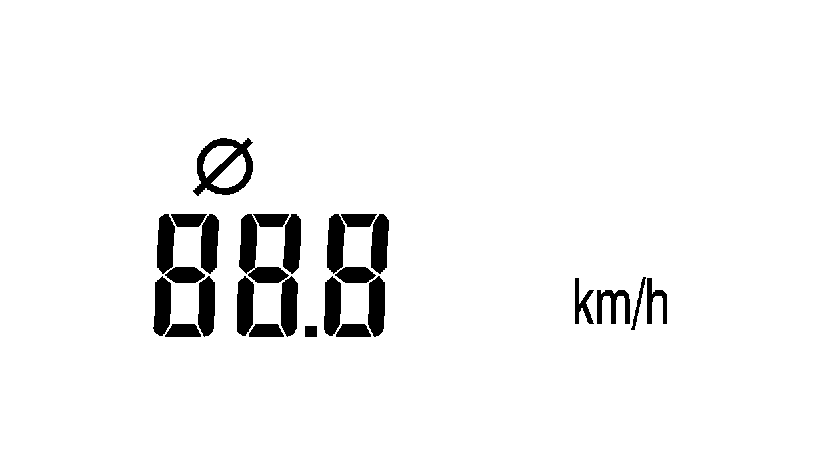
km/h
- English
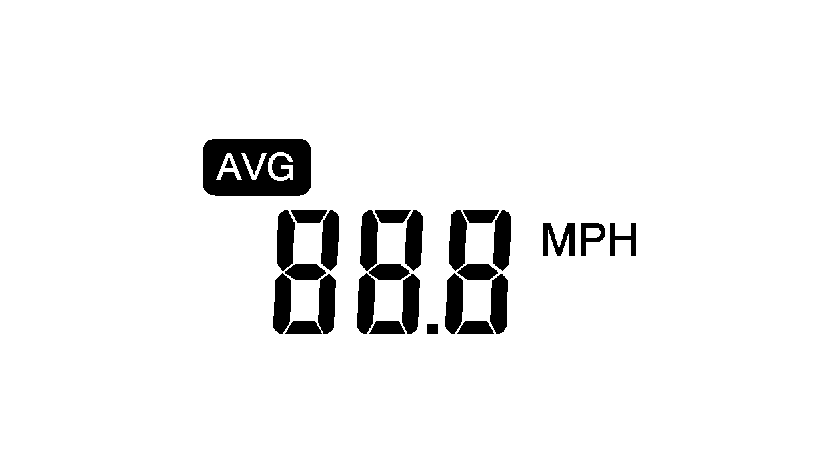
mph ll l.l.l.l
This display shows the average speed. To reset the average speed to zero, press and hold the SET/CLR button while the average speed is displayed.
Timer
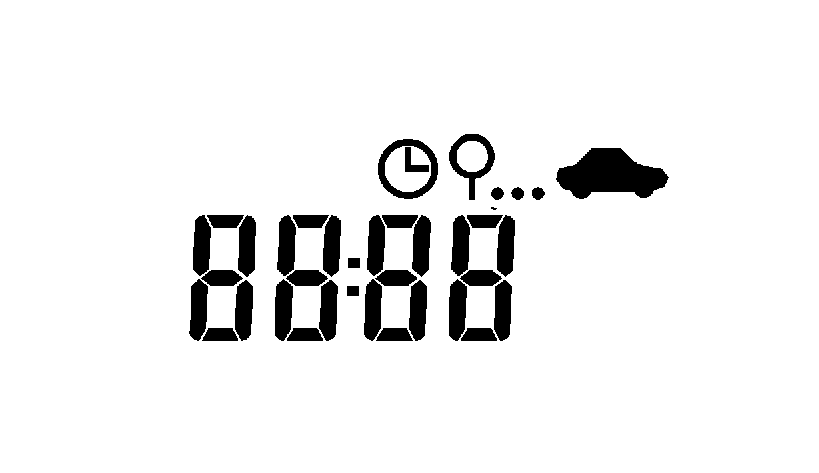
il
This display can be used as a timer. To start/stop the timer, press SET/CLR while the timer is displayed. The display will show the amount of time that has passed since the timer was last reset, not including time the ignition is off. The timer will record up to 99:59 hours, after which the display will return to zero. To reset the timer to zero, press and hold SET/CLR.
Average Fuel Economy
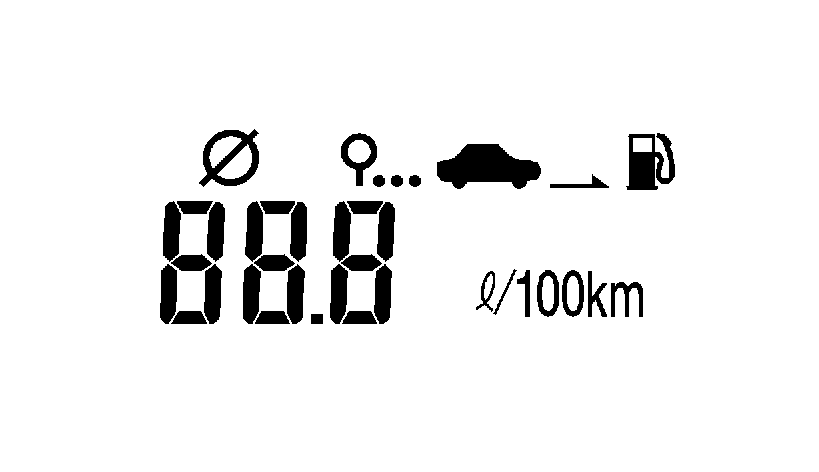
- Metric
- English
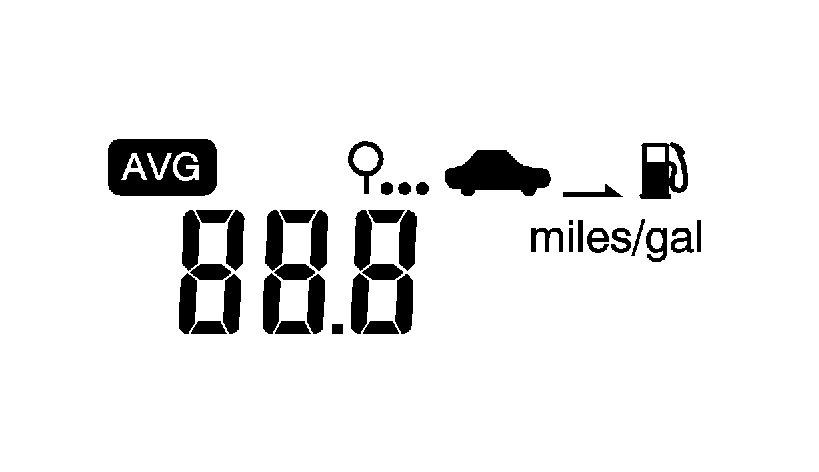
avg miles/gal
This display shows the approximate average liters per 100?€‰kilometers?€‰(L/100?€‰km) or miles per gallon?€‰(mpg). This number is calculated based on the number of L/100 km?€‰(mpg) recorded since the last time this menu item was reset. To reset the average fuel economy, press and hold the SET/CLR button while the average fuel economy is displayed.
Fuel Range
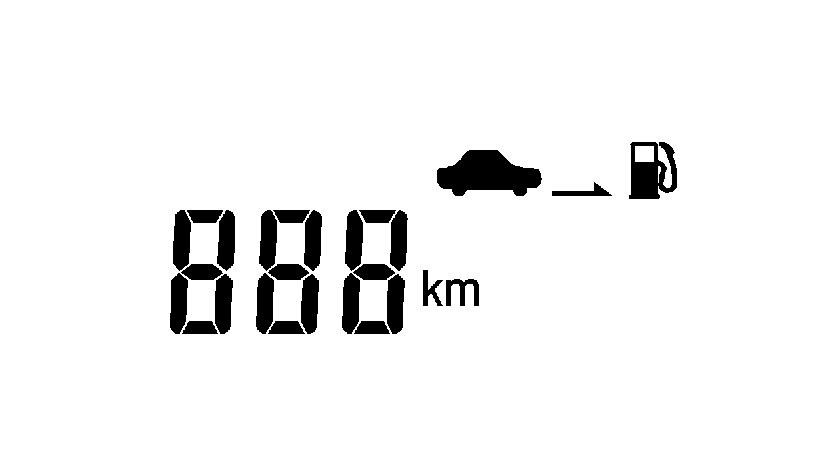
- Metric Shown, English Similar
km
This displays the approximate distance the vehicle can be driven without refueling. The fuel range estimate is based on an average of the vehicle's fuel economy over recent driving history and the amount of fuel remaining in the fuel tank.
Units
This menu is not available while the vehicle is moving. Press SET/CLR while the unit display is active and move w x to change units when UNIT SET is displayed. Press SET/CLR to confirm the setting. You will have to select 1, 2, or 3 for the unit display. 1 is Imperial units, 2 is US units, and 3 is metric units. This will change the displays on the cluster and DIC to the type of measurements you select.
Language
This menu is not available while the vehicle is moving. Press SET/CLR while the language display is active and move w x to change the language of the displays when LANG SET is displayed. You will have to select 1 or 2 for the language display. 1 is Alphabet and 2 is Arabic Numeral. Press SET/CLR to confirm the setting.
Tire Learn
This menu is not available while the vehicle is moving. This display allows for matching of the TPMS sensors. See Tire Pressure Monitor System and Tire Pressure Monitor Operation.
Remaining Oil Life
This menu is not available while the vehicle is moving. This display shows an estimate of the oil's remaining useful life. If 99 :?€‰% is displayed, that means 99% of the current oil life remains.
When the remaining oil life is low, the Code 82 message will appear on the display. The oil should be changed as soon as possible. See Engine Oil. In addition to the engine oil life system monitoring the oil life, additional maintenance is recommended in the Maintenance Schedule. See Maintenance Schedule.
Remember, the oil life display must be reset after each oil change. It will not reset itself. Also, be careful not to reset the oil life display accidentally at any time other than when the oil has just been changed. It cannot be reset accurately until the next oil change. To reset the engine oil life system, press the SET/CLR button while the oil life display is active. See Engine Oil Life System.
 Gauges
...
 Steering Wheel Adjustment
To adjust the steering wheel:
Pull the lever down.
Move the steering wheel up, down, forward, and backward.
Pull the lever up to lock the steering wheel in place.
Do not adjust the ste ...
Other materials:
Front Fog Lamp Replacement
Front Fog Lamp Replacement
Callout
Component Name
Preliminary Procedure
Remove either the right front or left front wheelhouse liner. Refer
to Front Wheelhouse Liner Replacement.
Disconnect the electrical connector from t ...
Front Side Door Weatherstrip Replacement - Door Side
Front Side Door Weatherstrip Replacement - Door Side
Callout
Component Name
1
Front Side Door Weatherstrip Upper Retainer
Procedure
Open the front side door to the fully open position.
Remove the front side do ...
Headlining Trim Panel Replacement (Hatchback with Sunroof)
Headlining Trim Panel Replacement
Callout
Component Name
Warning: Do not attempt to repair or alter the head impact
energy-absorbing material glued to the headliner or to the garnish trims.
If the material is damaged ...

0.0056