
Chevrolet Sonic Repair Manual: Front Bumper Impact Bar Replacement
- Removal Procedure
-
- Disable the SIR system. Refer to SIR Disabling and Enabling.
- Disconnect the negative battery cable. Refer to Battery Negative Cable Disconnection and Connection.
- Remove all related panels and components.
- Repair as much of the damage as possible to factory specifications. Refer to Dimensions - Body.
- Remove the sealers and anti-corrosion materials from the repair area. Refer to Anti-Corrosion Treatment and Repair.
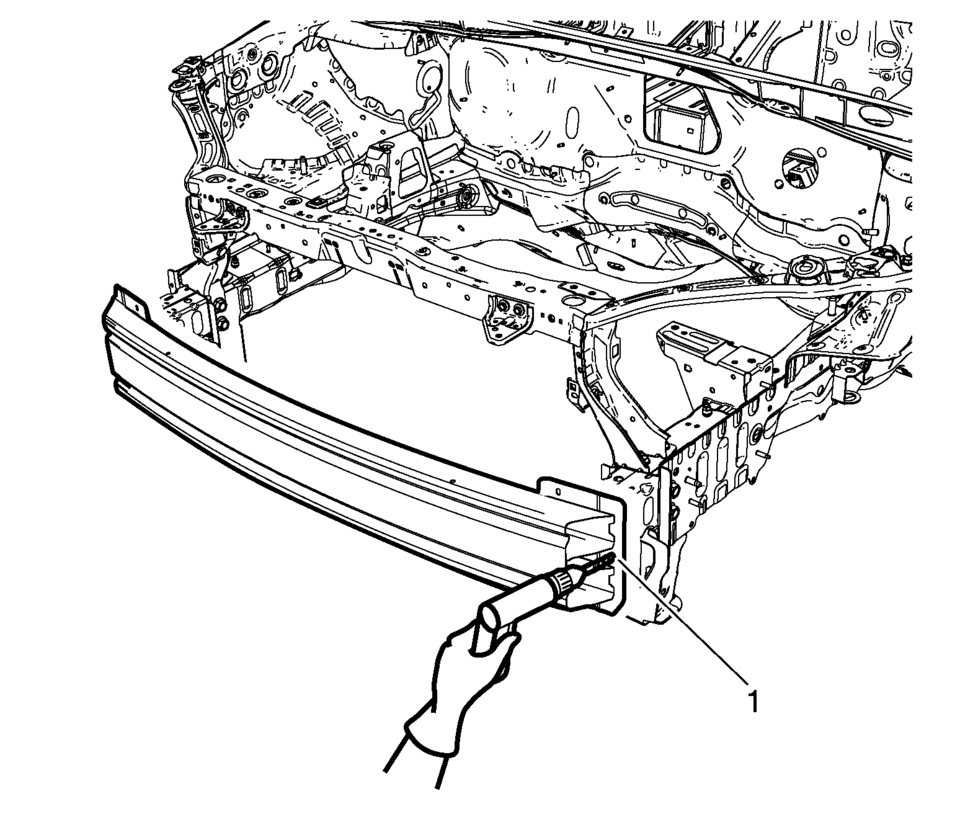
- Locate and mark all factory welds.
- Drill all factory welds (1). Note the number and location of welds for installation of the service assembly.
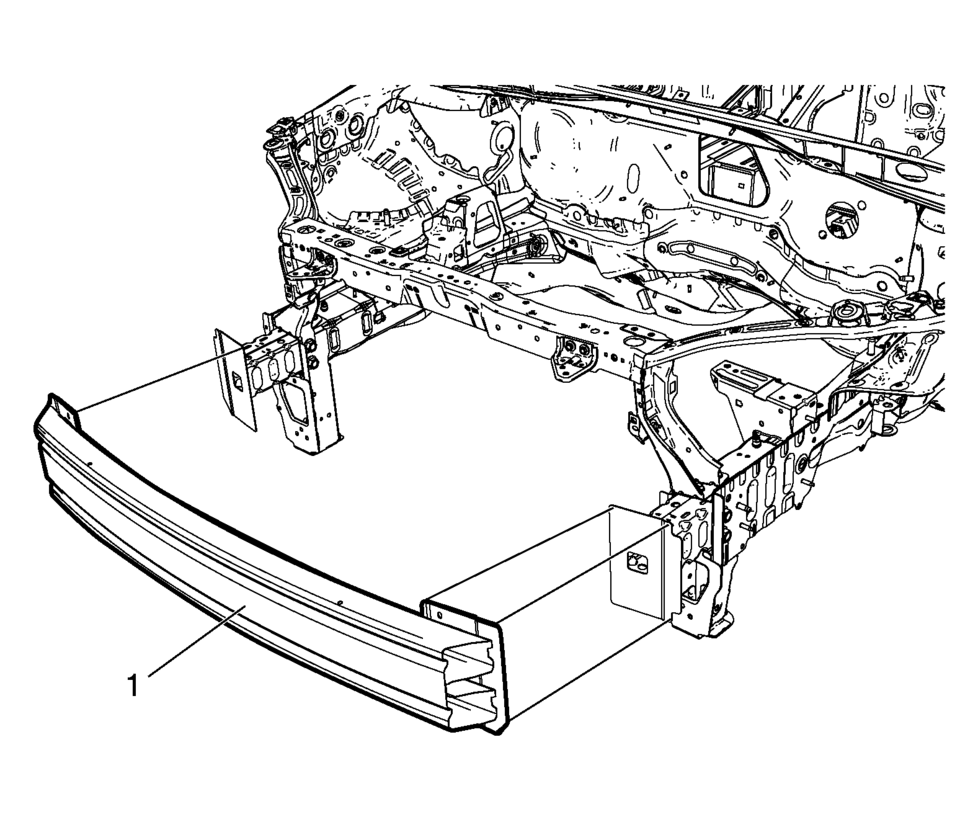
- Remove the damaged impact bar (1).
Warning:
Refer to Approved Equipment for Collision Repair Warning.
- Installation Procedure
-
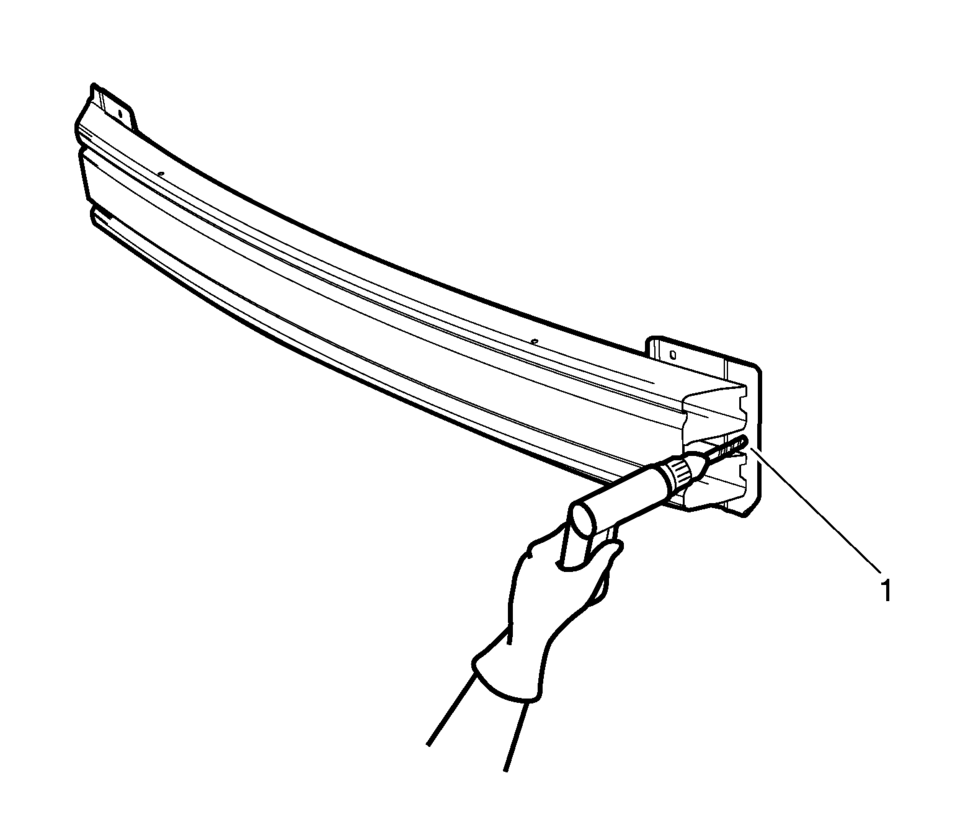
- Drill 8 mm (5/16 in) holes for plug welding along the edges of the service panel (1) as noted from the original panel.
- Clean and prepare the attaching surfaces for welding.
- Position the impact bar (1) on the vehicle.
- Verify the fit of the bar.
- Clamp the impact bar into position.
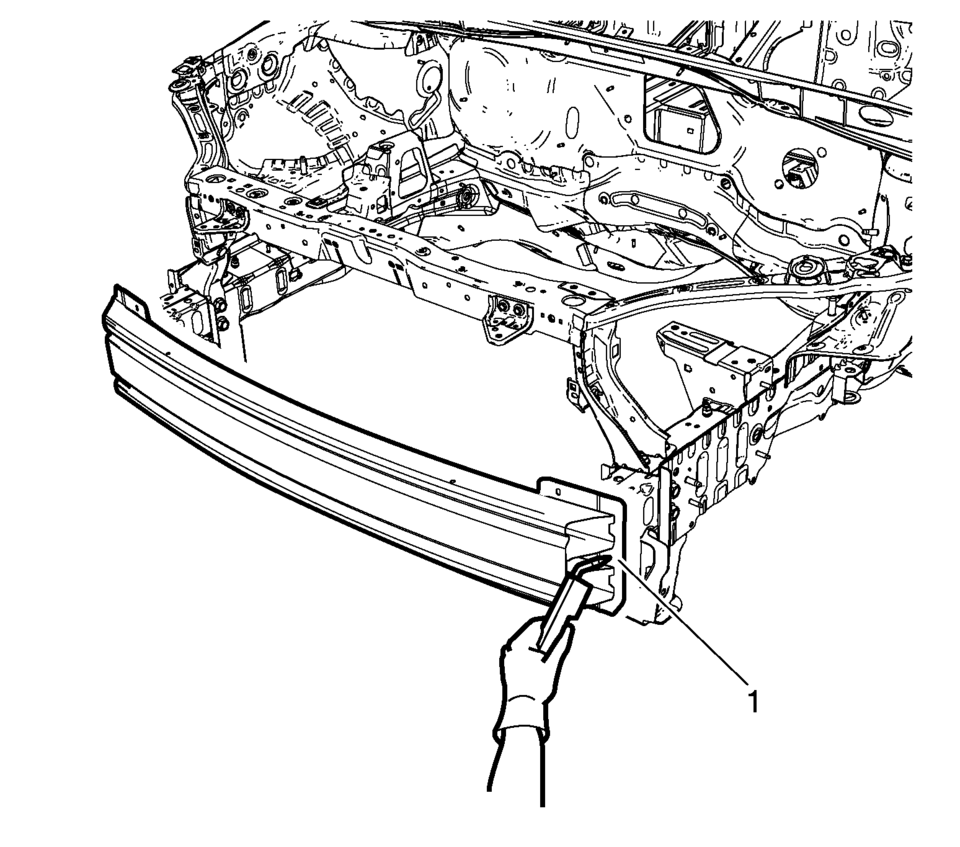
- Plug weld accordingly (1).
- Apply the sealers and anti-corrosion materials to the repair area, as necessary. Refer to Anti-Corrosion Treatment and Repair.
- Paint the repaired area. Refer to Basecoat/Clearcoat Paint Systems.
- Install all related panels and components.
- Connect the negative battery cable. Refer to Battery Negative Cable Disconnection and Connection.
- Enable the SIR system. Refer to SIR Disabling and Enabling.
 Front Bumper Impact Bar Lower Bracket Replacement
Front Bumper Impact Bar Lower Bracket Replacement
Callout
Component Name
Preliminary Procedure
Remove the front bumper opening ...
 Front Bumper Lower Impact Bar Replacement
Front Bumper Lower Impact Bar Replacement
Callout
Component Name
Preliminary Procedure
Remove the front bumper fascia. Refer to ...
Other materials:
Emergency Trunk Release Handle
Caution
Do not use the emergency trunk release handle as a tie-down or anchor point
when securing items in the trunk as it could damage the handle.
There is a glow-in-the-dark emergency trunk release handle on the underside of
the trunk lid. This handle will glow following exposure to light. ...
Rear Side Door Upper Hinge and Lower Hinge Replacement
Rear Side Door Upper Hinge and Lower Hinge Replacement
Callout
Component Name
1
Rear Side Door Upper Hinge to Body Bolts (Qty:?€‰2)
Caution: Refer to Fastener Caution.
Procedures
Before removing t ...
Exhaust Camshaft Replacement
Removal Procedure
Remove the camshaft intake and exhaust sprocket. Refer to Camshaft Intake
and Exhaust Sprocket Replacement.
Remove and DISCARD the camshaft sprocket bolts (2) and the camshaft
position exciter wheels (1).
Allow the both camshaft ...

0.0071