
Chevrolet Sonic Repair Manual: Front Side Door Window Weatherstrip Replacement
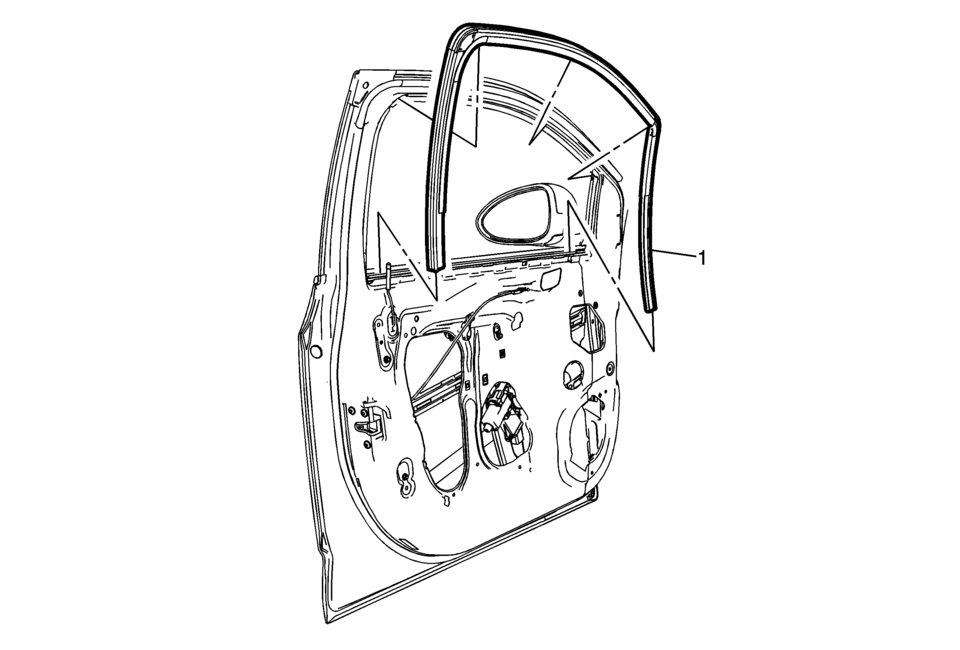
|
Callout |
Component Name |
|---|---|
Preliminary Procedures
|
|
|
1 |
Front Side Door Window Weatherstrip Procedure
|
 Front Side Door Window Replacement
Front Side Door Window Replacement
Callout
Component Name
Warning: Refer to Glass and Sheet Metal Handling Warning.
...
 Full-Cut Method Description
Note:
If corrosion of the pinch-weld flange is present, or if sheet metal
repairs or replacements are required, refinish the pinch-weld flange in
order to present a clean, primer-onl ...
Other materials:
Steering Linkage Inner Tie Rod Inspection
Special Tools
GE-8001 Dial Indicator Set
For equivalent regional tools, refer to Special Tools.
Note: This inspection procedure does not supersede local government
required inspections that have more stringent requirements.
Turn the ignition key to the ON position with the eng ...
Secondary Air Injection Pump Replacement
Secondary Air Injection Pump Replacement
Callout
Component Name
1
Secondary Air Injection Pump Inlet Pipe
Note: Squeeze the retainer on opposite sides to release.
2
Secondary ...
Hood
1. To open the hood of the Nissan Armada, pull the hood release handle 1 located
beneath the driver’s side instrument panel. This action will cause the hood to pop
up slightly.
2. Move to the front of the Nissan Armada and locate the secondary safety lever
2. Slide it sideways with your ...

0.0056