
Chevrolet Sonic Repair Manual: Instrument Panel Storage
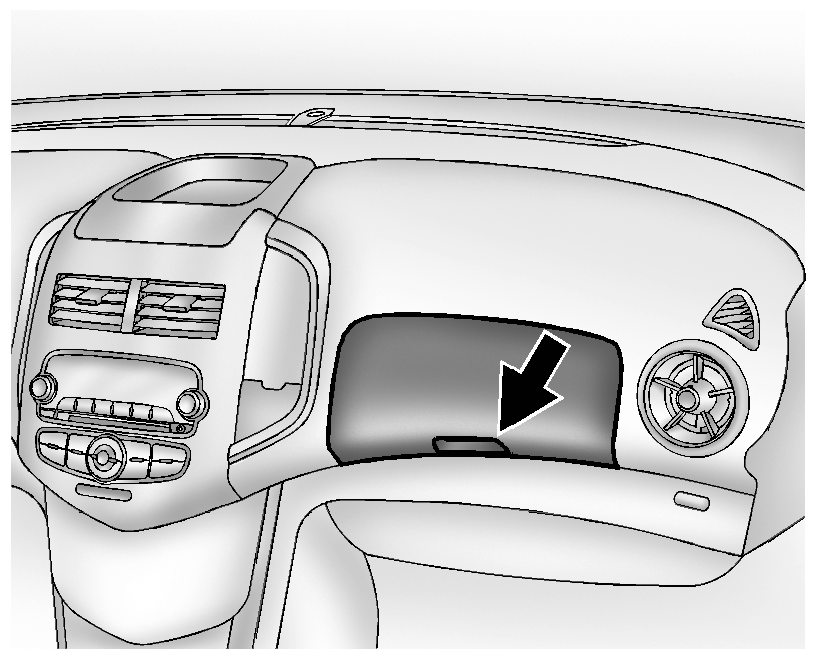
Lift up on the lever to open.
If equipped, the storage area has an auxiliary input jack and USB port inside.
 Cargo Cover (Hatchback)
Warning: An unsecured cargo cover could strike people in a sudden
stop or turn, or in a crash. Store the cargo cover securely or remove it from
the vehicle.
The cargo cover can be used to ...
 Load Compartment (Hatchback)
The load compartment cover can be used to conceal objects under it or removed
and placed on the bottom of the load compartment to carry larger loads.
To remove the load compartment cover:
Lift ...
Other materials:
Braking
Braking action involves perception time and reaction time. Deciding to push the
brake pedal is perception time. Actually doing it is reaction time.
Average driver reaction time is about three-quarters of a second. In that time,
a vehicle moving at 100 km/h (60 mph) travels 20m (66 ft), which co ...
Storing a Flat or Spare Tire and Tools
Warning
Storing a jack, a tire, or other equipment in the passenger compartment of
the vehicle could cause injury. In a sudden stop or collision, loose equipment could
strike someone. Store all these in the proper place.
Storing the Flat Tire and Tools
1. Return the jack and tools to their or ...
Tires and Wheels Description and Operation (Tire Identification)
Identification
Accessory and warranty replacement must use TPC spec tires.
An outboard orientation stripe is added to the tread surface, with an
offset toward the outboard tire face.
All GM approved tires (Production, Service and Accessory) have a TPC
(Tire Performance C ...

0.0079