
Chevrolet Sonic Repair Manual: Parking Brake Adjustment (Drum Brake)
Note:
The park brake cable adjusting nut is a nylon lock type. Use ONLY HAND TOOLS whenever tightening or loosening the adjusting nut.
- Apply and fully release the park brake several times. Verify that the park brake lever releases completely.
- Turn ON the ignition. Verify the red BRAKE warning lamp is not illuminated.
- If the red BRAKE warning lamp is illuminated, verify the following:
- The park brake lever is in the fully released position and against the stop.
- There is no slack in the park brake cables.
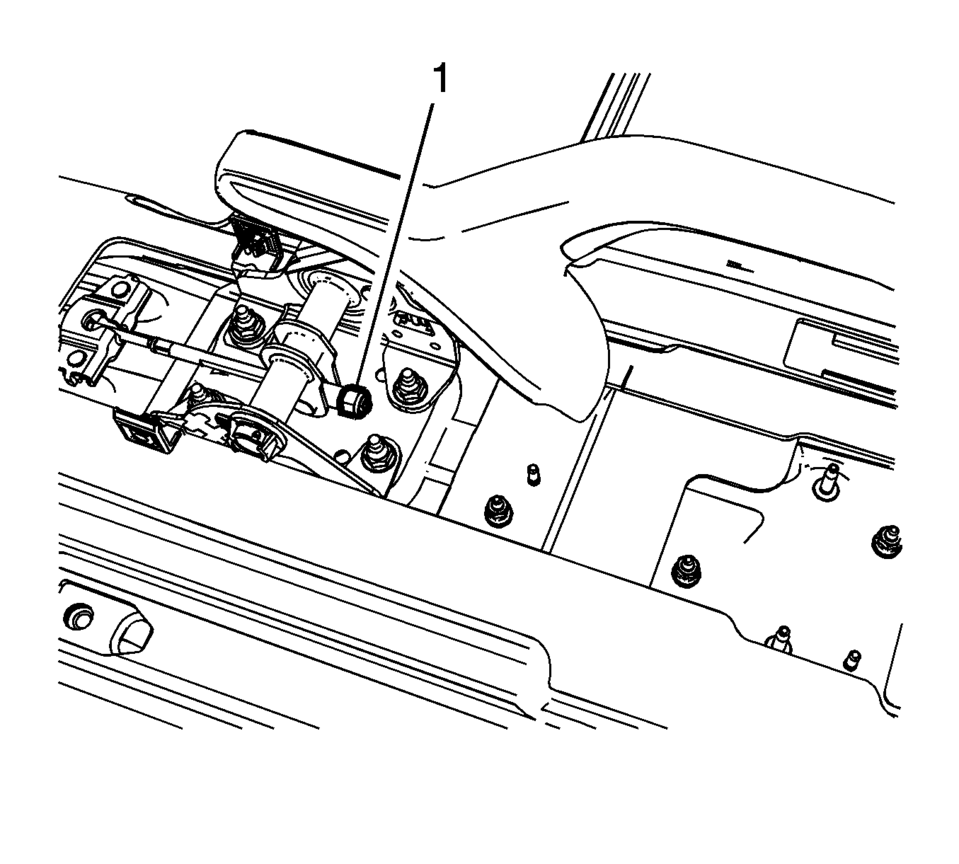
- One of the brake drums should not rotate forward or rearward.
- The other brake drum should not rotate forward or rearward, or should require substantial effort to rotate.
 Parking Brake Adjustment (Disc Brake)
Note: The park brake cable adjusting nut is a nylon lock type. Use
ONLY HAND TOOLS whenever tightening or loosening the adjusting nut.
Apply and fully release the park brake several times ...
 Parking Brake Indicator Switch Replacement
Removal Procedure
Remove the front floor console. Refer to Front Floor Console Replacement.
Ensure that the park brake lever is in the fully released position.
Disconnect th ...
Other materials:
Engine Exhaust
Warning
Engine exhaust contains carbon monoxide (CO) which cannot be seen or smelled.
Exposure to CO can cause unconsciousness and even death.
Exhaust may enter the vehicle if:
. The vehicle idles in areas with poor ventilation (parking garages,
tunnels, deep snow that may block underbody ...
Front Bumper Fascia Bracket Replacement
Front Bumper Fascia Bracket Replacement
Callout
Component Name
Preliminary Procedure
Remove the front bumper fascia. Refer to Front Bumper Fascia Replacement.
Remove the front bumper fascia center support bracket. Refer to ...
3-5-Reverse and 4-5-6 Clutch Fluid Seal Ring Replacement (Gen 2)
3-5-Reverse and 4-5-6 Clutch Fluid Seal Ring Replacement
Callout
Component Name
Special Tools
DT-46620 Seal Installer
For equivalent regional tools, refer to Special
Tools.
1
3? Reverse and ...

0.0088