
Chevrolet Sonic Repair Manual: Rear Seat Back Cushion Panel Replacement
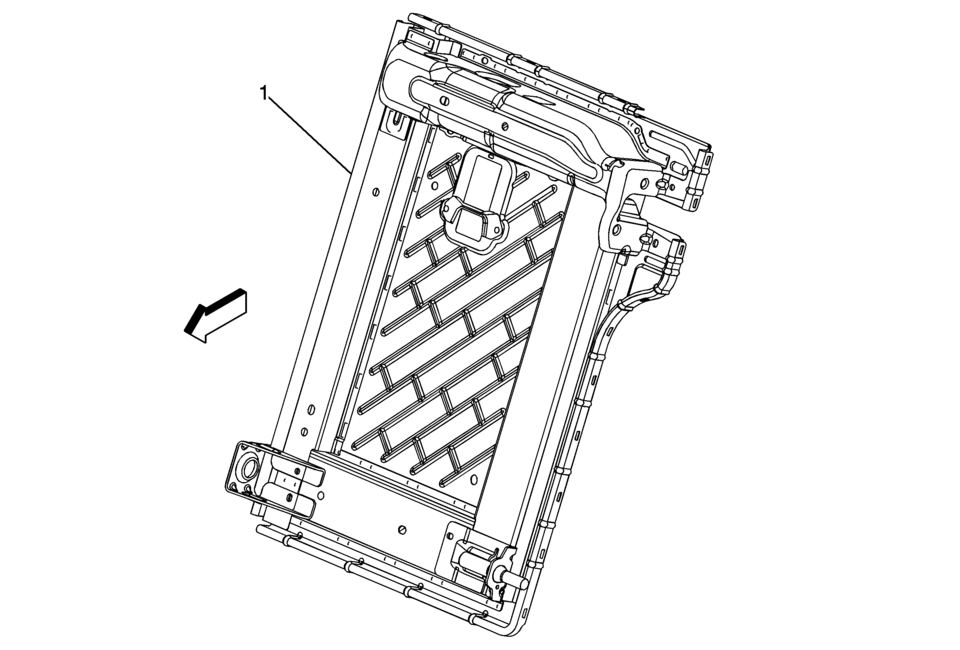
|
Callout |
Component Name |
|---|---|
Preliminary Procedure
|
|
|
1 |
Rear Seat Back Cushion Panel Procedure
|
 Rear Seat Back Cushion Latch Release Knob Bezel Replacement
Rear Seat Back Cushion Latch Release Knob Bezel Replacement
Callout
Component Name
1
Rear Seat Back Cushion Latch Releas ...
 Rear Seat Back Cushion Pivot Support Replacement
Rear Seat Back Cushion Pivot Support Replacement
Callout
Component Name
Preliminary Procedure
Remove the rear seat back cushion ...
Other materials:
Maintenance
Air Intake
Clear away any ice, snow, or leaves from the air intake at the base of the windshield
that can block the flow of air into the vehicle.
Passenger Compartment Air Filter
The filter removes dust, pollen, and other airborne irritants from outside air
that is pulled into the vehicle.
T ...
Air Conditioning Compressor Replacement (LUV)
Air Conditioning Compressor Replacement
Callout
Component Name
Preliminary Procedure
Recover the refrigerant. Refer to Refrigerant Recovery and Recharging.
Raise and support the vehicle. Refer to Lifting and Jacking the
...
System maintenance (ProPILOT Assist 2.1)
To ensure optimal performance of the Nissan Armada ProPILOT Assist 2.1 system,
it is essential to keep the driver monitor area clean and unobstructed at all times.
Carefully remove any dust, dirt, or smudges using a clean, soft cloth such as
a lens-cleaning cloth. Maintaining a clear camera ...

0.0076