
Chevrolet Sonic Repair Manual: Special Tools
|
Illustration |
Tool Number/ Description |
|---|---|
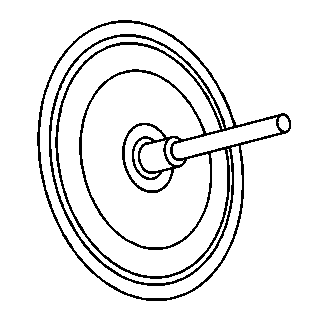
|
CH 41013 J 41013 Rotor Resurfacing kit |
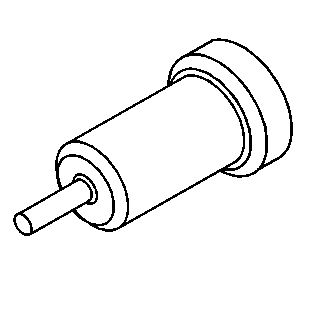
|
CH 42450–A J 42450–A Wheel Hub Resurfacing Kit |
 Spare Tire Kit Installation
Installation Instructions Part Number
95280943
Procedure
...
 Steel Wheel Repair Description
Caution: Do not heat wheels in an attempt to soften them for straightening
or repair damage from striking curbs, etc. Do not weld wheels. The alloy used
in these wheels is heat-treated and un ...
Other materials:
Instrument Panel Illumination Control
This feature controls the brightness of the instrument panel controls and infotainment
display screen. The thumbwheel is to the left of the steering column on the instrument
panel.
(Instrument Panel Brightness): Move
the thumbwheel up or down and hold, to brighten or dim the instrument pane ...
SIR Inflator Module Handling and Storage Warning
Warning: When carrying an undeployed inflator module:
Do not carry the inflator module by the wires or connector.
Make sure the air bag opening points away from you.
When storing an undeployed inflator module:
Make sure the air bag opening points away from the surface o ...
System maintenance (ProPILOT Assist 2.1)
To ensure optimal performance of the Nissan Armada ProPILOT Assist 2.1 system,
it is essential to keep the driver monitor area clean and unobstructed at all times.
Carefully remove any dust, dirt, or smudges using a clean, soft cloth such as
a lens-cleaning cloth. Maintaining a clear camera ...

0.0062