
Chevrolet Sonic Repair Manual: Special Tools
|
Illustration |
Tool Number/Description |
|---|---|
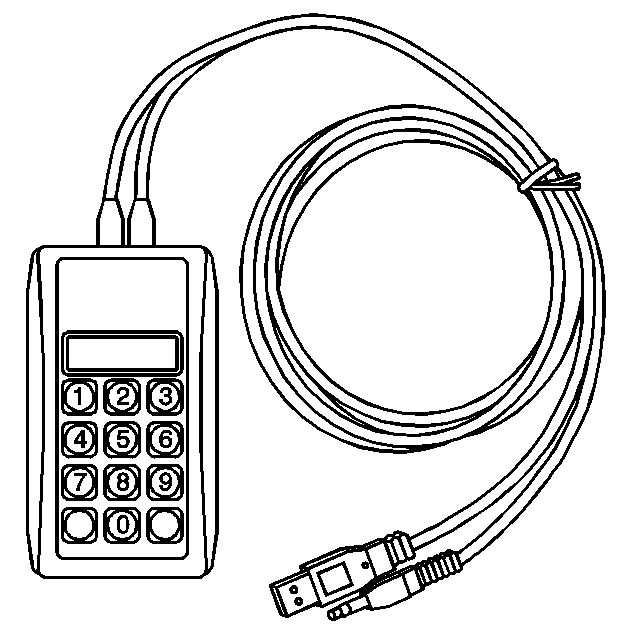
|
EL–50334–20 Multi-Media Interface Tester (MIT) |
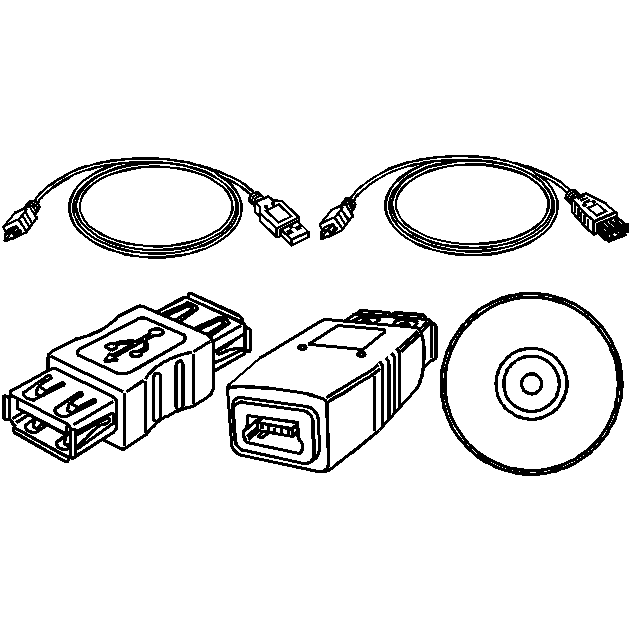
|
EL–50334–50 USB Cable and Adapter Kit |
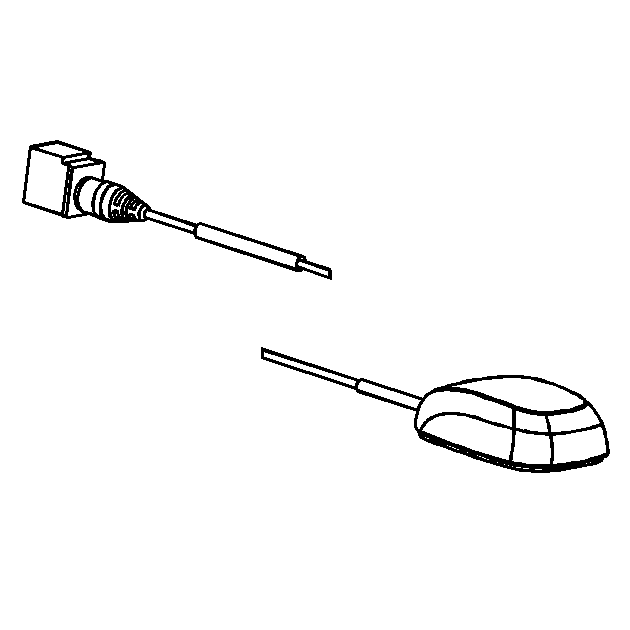
|
EL-48028 Digital Radio Test Antenna |
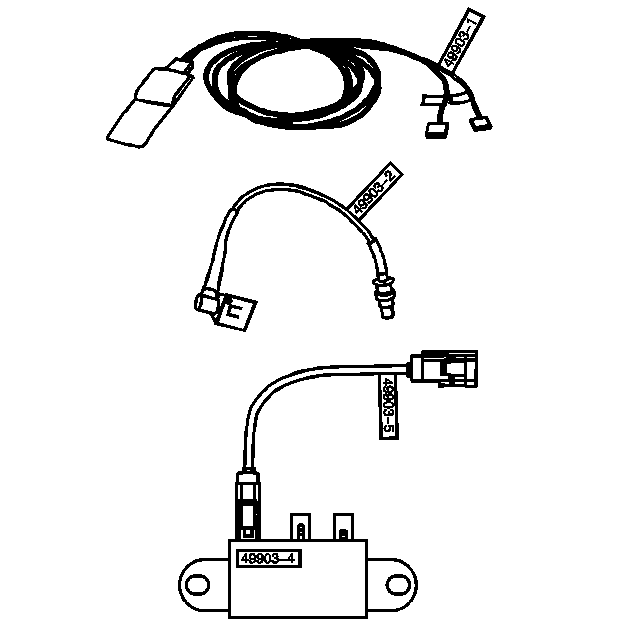
|
EL-49903 OnStar Antenna Diagnostic Tool Kit |
 Speaker Replacement Reference
Speaker Replacement Reference
Component
Repair Instruction
Front Door Speaker
Radio Front Side Door Speaker Replacement
...
 Special Tools (MIT Tool Instructions)
Bluetooth Pairing for Vehicles with
Radio RPO: UF7
Either reset the pin code on the radio to 0000, or go under Device Info on
the radio and see what the pin code is (to enter it later o ...
Other materials:
Replacing LATCH System Parts After a Crash
Warning
A crash can damage the LATCH system in the vehicle. A damaged LATCH system
may not properly secure the child restraint, resulting in serious injury or even
death in a crash. To help make sure the LATCH system is working properly after a
crash, see your dealer to have the system inspec ...
Automatic Transmission Flex Plate Replacement
Automatic Transmission Flex Plate Replacement
Callout
Component Name
Preliminary Procedure
Remove the transmission. Refer to Transmission Replacement.
Special Tools
EN-470-B Angular Torque Wrench
EN-49979 Crankshaf ...
Basic information
Touch screen display
WARNING
Failure to follow proper Nissan Armada RearView Monitor usage instructions
may result in serious injury or fatal accidents.
The Nissan Armada RearView Monitor is an assistance feature and must
not replace proper driving practices.
Always visual ...

0.009