
Chevrolet Sonic Repair Manual: Audio Disc Player and USB Receptacle Replacement
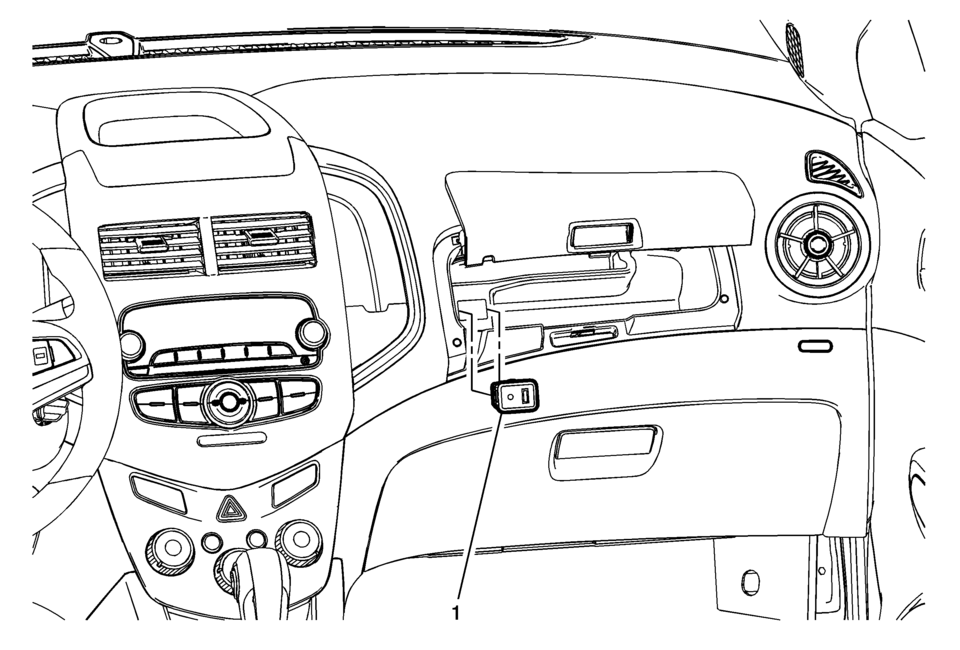
|
Callout |
Component Name |
|---|---|
|
1 |
Audio Disc Player and USB Receptacle Procedure
|

 Bluetooth (Overview)
For vehicles equipped with Bluetooth capability, the system can interact with
many cell phones, allowing:
Placement and receipt of calls in a hands-free mode.
Sharing of the cell phone’s ad ...
Other materials:
Shoulder Belt Height Adjuster
The vehicle has a shoulder belt height adjuster for the driver and right front
passenger seating positions.
Adjust the height so the shoulder portion of the belt is on the shoulder and
not falling off of it. The belt should be close to, but not contacting, the neck.
Improper shoulder belt hei ...
Tire and Wheel Install Instruction
Installation Instructions Part Number
19156306
Note: Please read the following instructions carefully before mounting
the wheels on the vehicle.
Labels
Your application may require a new tire inflation pressure and mass label. This
label is provided as a guide for tire inflation pre ...
Air Conditioning Compressor and Condenser Hose Replacement (LDE/LWE)
Removal Procedure
Recover the refrigerant. Refer to Refrigerant Recovery and Recharging.
Disconnect the A/C refrigerant pressure sensor electrical connector.
Remove air conditioning compressor and condenser hose nut (1).
Remove air conditioning compressor and ...

0.0058