
Chevrolet Sonic Repair Manual: Mobile Telephone Microphone Replacement
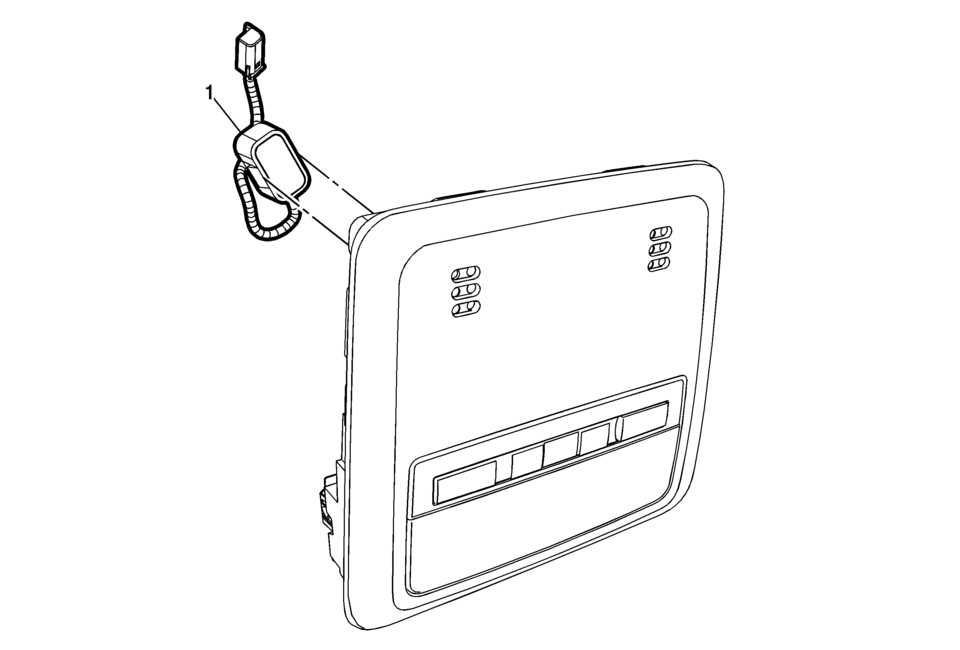
|
Callout |
Component Name |
|---|---|
|
Preliminary Procedure
Remove the dome lamp bezel. Refer to Dome Lamp Bezel Replacement. |
|
|
1 |
Mobile Telephone Microphone Procedure
Disconnect the electrical connector. |
 Infotainment
Determine which radio the vehicle has and read the following pages to become
familiar with its features.
Warning: Taking your eyes off the road for extended periods could
cause a crash resul ...
 OnStar Description and Operation
This OnStar® system consists of the following components:
Telematics communication interface control module
OnStar® three button assembly
Microphone
Cellular antenna
Navigation antenna
...
Other materials:
Rear Seats
The vehicle's rear seats have adjustable head restraints in the outboard seating
positions.
The height of the head restraint can be adjusted. Pull the head restraint up
to raise it. Try to move the head restraint to make sure that it is locked in place.
To lower the head restraint, press ...
Piston, Connecting Rod, and Bearing Removal
Install the crankshaft balancer bolt.
Set the pistons 1 and 4 to TDC in direction of engine rotation.
Note: Note cylinder sequence.
Mark the connecting rod with the connecting rod bearing cover (1).
Remove the 4 connecting rod bearing caps bol ...
Inspection/Maintenance (I/M) System DTC Table
Inspection/Maintenance (I/M) System DTC Table
System
DTCs Required to Set System Status to YES
If an inspection/maintenance system status indicator did not update to
yes during the Inspection/Maintenance Complete System
Set Pro ...

0.0078