
Chevrolet Sonic Repair Manual: Engine Cover Replacement
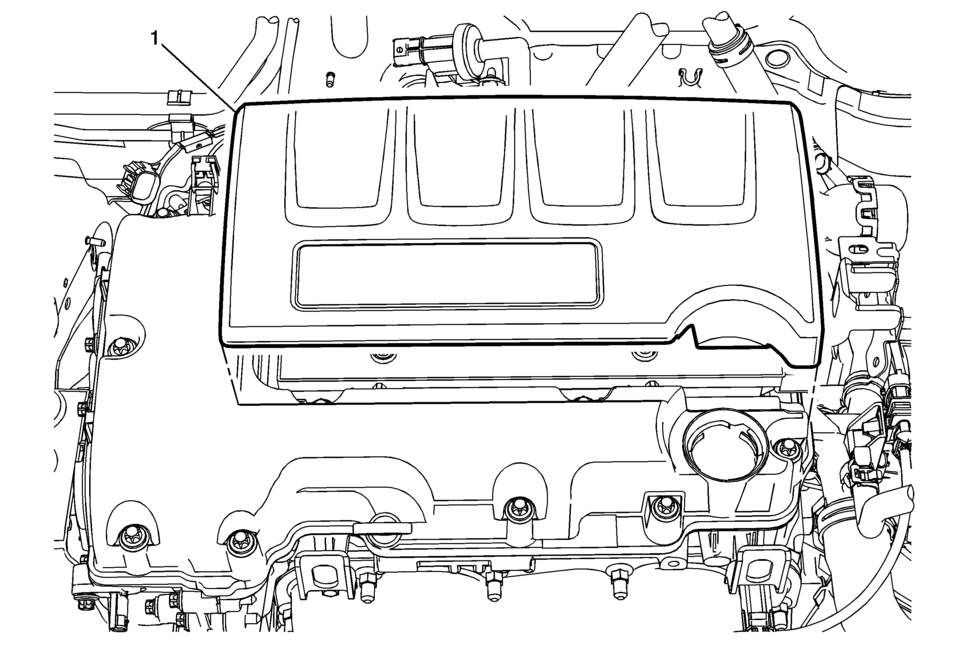
|
Callout |
Component Name |
|---|---|
|
1 |
Engine Cover Procedure Use a suitable tool to first unclip the front of the cover, then rotate the cover backward and pull upward to remove. |
 Front License Plate Bracket Replacement
Front License Plate Bracket Replacement
Callout
Component Name
Preliminary Procedure
Remove the front license plate if equipped ...

Other materials:
Headlining Trim Panel Replacement (Sedan without Sunroof)
Headlining Trim Panel Replacement
Callout
Component Name
Warning: Do not attempt to repair or alter the head impact
energy-absorbing material glued to the headliner or to the garnish trims.
If the material is damaged ...
Turbocharger Coolant Feed Pipe Replacement (LUV)
Turbocharger Coolant Feed Pipe Replacement
Callout
Component Name
Preliminary Procedure
Remove the turbocharger. Refer to Turbocharger Replacement.
1
Turbocharger Fastener
Caution: Refer to ...
3rd row seats
Basic information
The third row seating area in the Nissan Armada is engineered to deliver both
flexibility and safety, ensuring that passengers benefit from comfort while maintaining
proper restraint system performance. Correct usage of the 3rd row seats in the Nissan
Armada is essential for ...

0.0063