
Chevrolet Sonic Repair Manual: Piston and Connecting Rod Disassemble
- Remove the piston with connection rod. Refer to Piston, Connecting Rod, and Bearing Removal.
- Detach the piston from the connection rod.
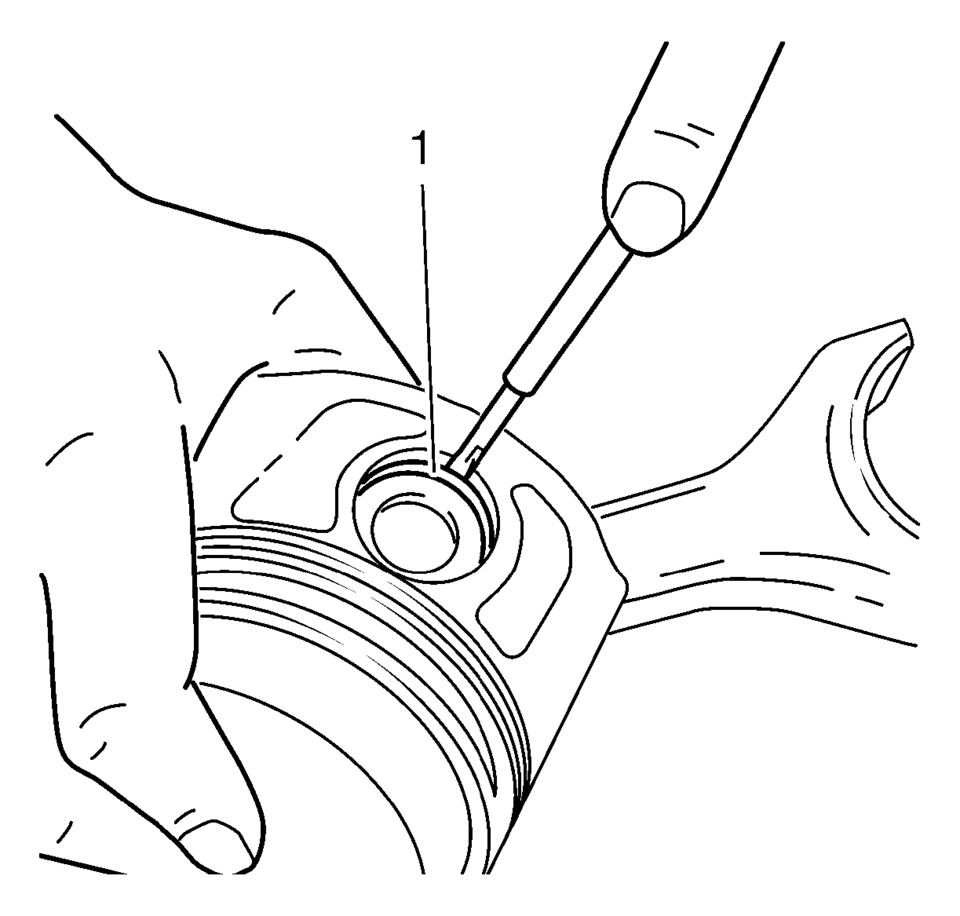
- Remove the retainer (1) from the piston eye.
- Press the piston pin out of the piston.
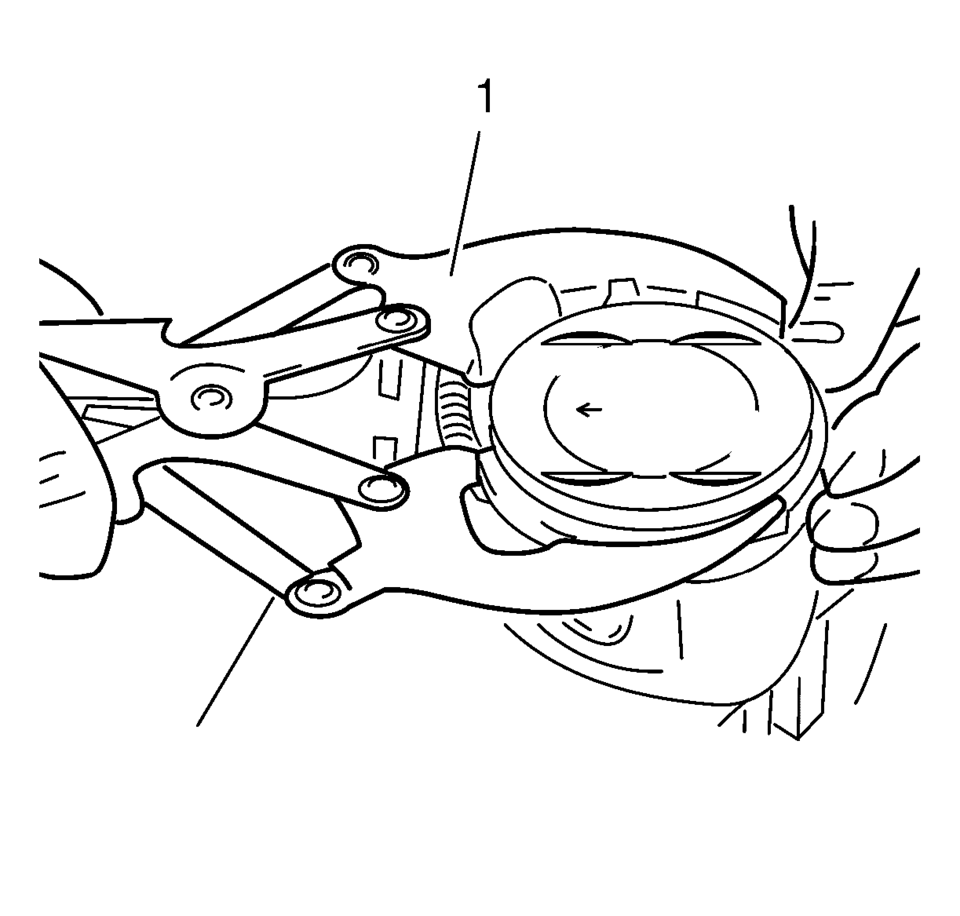
- Remove the piston rings, using piston ring pliers (1).
Remove oil carbon from the groove with a split piston ring, filed to a wedge-shape.
- Measure the piston ring gap.
Note:
Note installation position of the piston in respect of the connection rod.
Note:
Do not damage the bore.
- Tension the piston ring in the cylinder and measure the gap with a feeler gauge.
- Permissible ring gap:
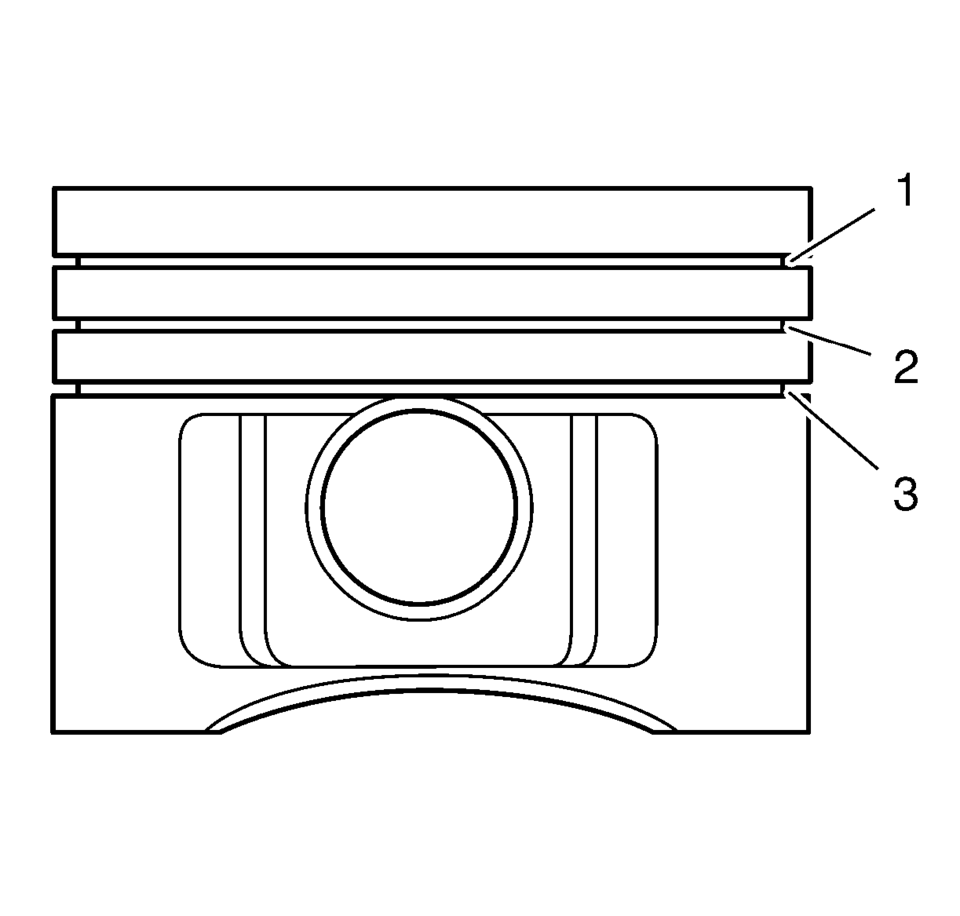
- Rectangular compression ring (1): 0.20-0.40 mm (0.007-0.015 in)
- Tapered compression ring (2): 0.40-0.60 mm (0.015-0.023 in)
- Oil scraper ring (3): 0.25-0.75 mm (0.009-0.029 in)
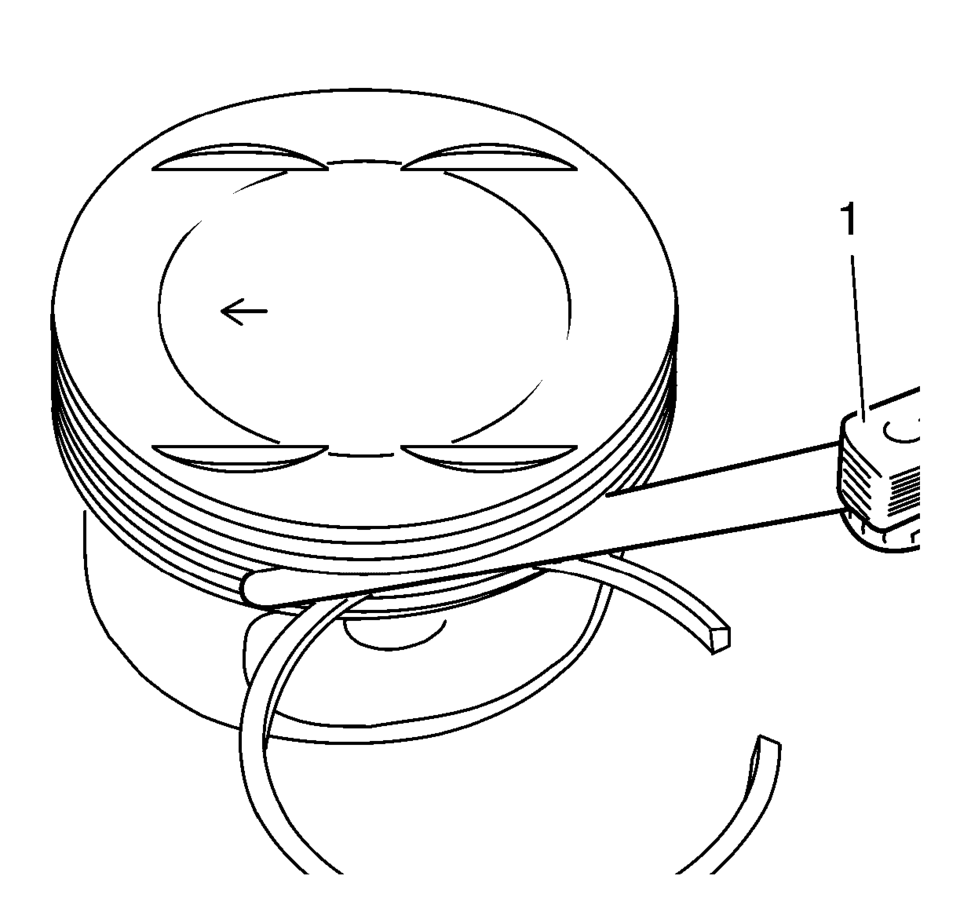
Permissible vertical play:
- Rectangular compression ring (1): 0.04-0.08 mm (0.001-0.003 in)
- Tapered compression ring (2): 0.03-0.07 mm (0.001-0.002 in)
- Oil scraper ring (3): 0.03-0.13 mm (0.001-0.005 in)
 Piston and Connecting Rod Assemble
Special Tools
EN-49941 Remover / Installer Piston Retainer Ring
For equivalent regional tools, refer to Special Tools.
Note: Lubricate the piston pin with clean engine oil.
In ...
 Piston, Connecting Rod, and Bearing Cleaning and Inspection
Special Tools
EN-470-B Angular Torque Wrench
For equivalent regional tools, refer to Special Tools.
Visual Inspection And Cleaning Procedure
Connecting Rod
Warning: Wear safety gla ...
Other materials:
Air Conditioning Evaporator Thermal Expansion Valve Replacement
Air Conditioning Evaporator Thermal Expansion Valve Replacement
Callout
Component Name
Preliminary Procedure
Recover the refrigerant. Refer to Refrigerant Recovery and Recharging.
Remove the air conditioning evaporator hos ...
Transmission Mount Replacement - Left Side
Removal Procedure
Remove the battery tray. Refer to
Battery Tray Replacement.
Install the engine support fixture. Refer to
Engine Support Fixture.
Remove and DISCARD the left transmission mount to
bracket bolts (1).
Remove the left transmission mo ...
Meters and gauges
Basic information
Example
The instrument cluster in the Nissan Armada is designed to provide clear, real-time
information about vehicle performance and status. It combines modern digital displays
with traditional gauges to ensure the driver can monitor all critical systems efficiently.
...

0.0071