
Chevrolet Sonic Repair Manual: Audio Disc Player and USB Receptacle Replacement
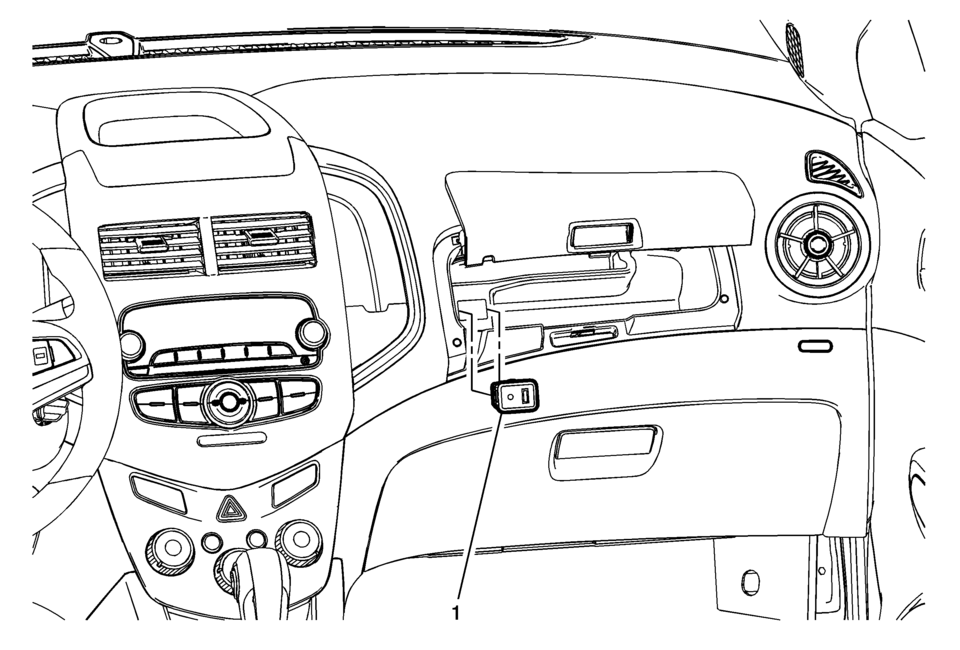
|
Callout |
Component Name |
|---|---|
|
1 |
Audio Disc Player and USB Receptacle Procedure
|

 Bluetooth (Overview)
For vehicles equipped with Bluetooth capability, the system can interact with
many cell phones, allowing:
Placement and receipt of calls in a hands-free mode.
Sharing of the cell phone’s ad ...
Other materials:
Hill and Mountain Roads
Driving on steep hills or through mountains is different than driving on flat
or rolling terrain. Tips for driving in these conditions include:
Keep the vehicle serviced and in good shape.
Check all fluid levels and brakes, tires, cooling system, and transmission.
Shift to a lower gear whe ...
Horn Replacement
Horn Replacement
Callout
Component Name
Preliminary Procedure
Remove the front wheelhouse liner front. Refer to Front Wheelhouse Liner
Replacement.
1
Horn Nut
Caution: Refer to Fastener ...
Tires and Wheels Description and Operation (Equipment)
GM Recommended Tire Balancer
Hunter RF33 Road Force balancer or equivalent with the following options:
Auto Clamp – allows for centering repeatability and prevent damage to
the wheel.
Wheel Lift – helps prevent wheel damage and assists in the accuracy
of the placeme ...

0.0055