
Chevrolet Sonic Repair Manual: Fuel Tank Filler Pipe Replacement
- Removal Procedure
-
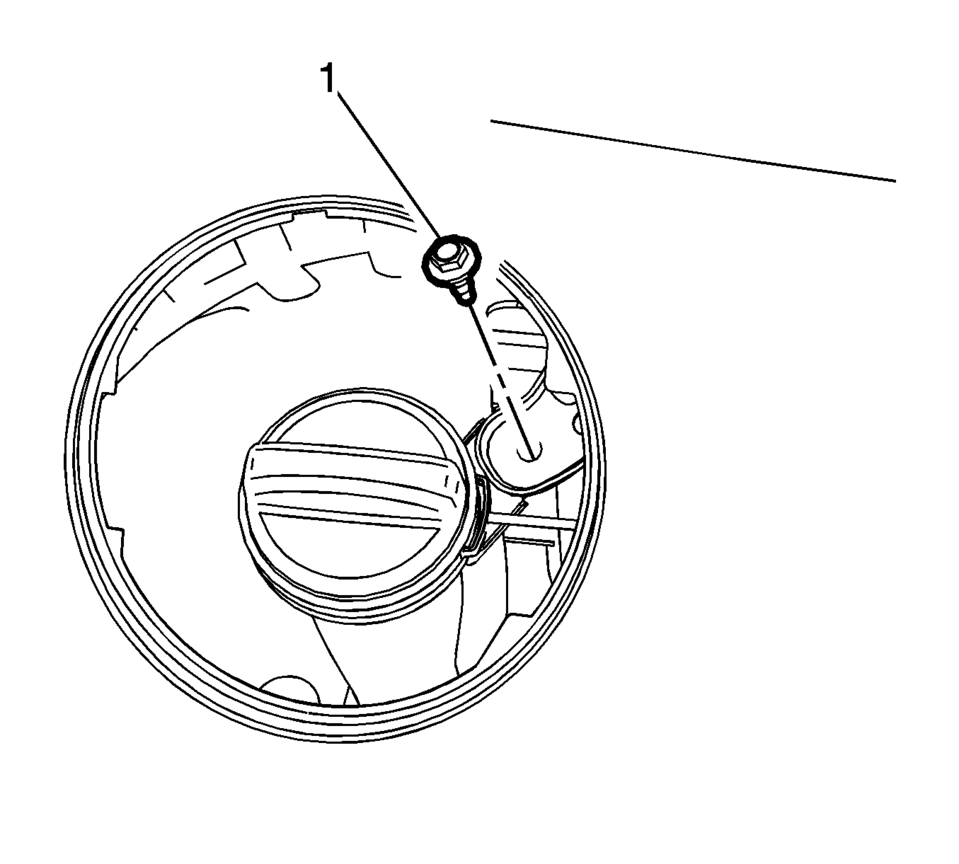
- Remove the bracket fastener (1).
- Lift and support the vehicle. Refer to Lifting and Jacking the Vehicle.
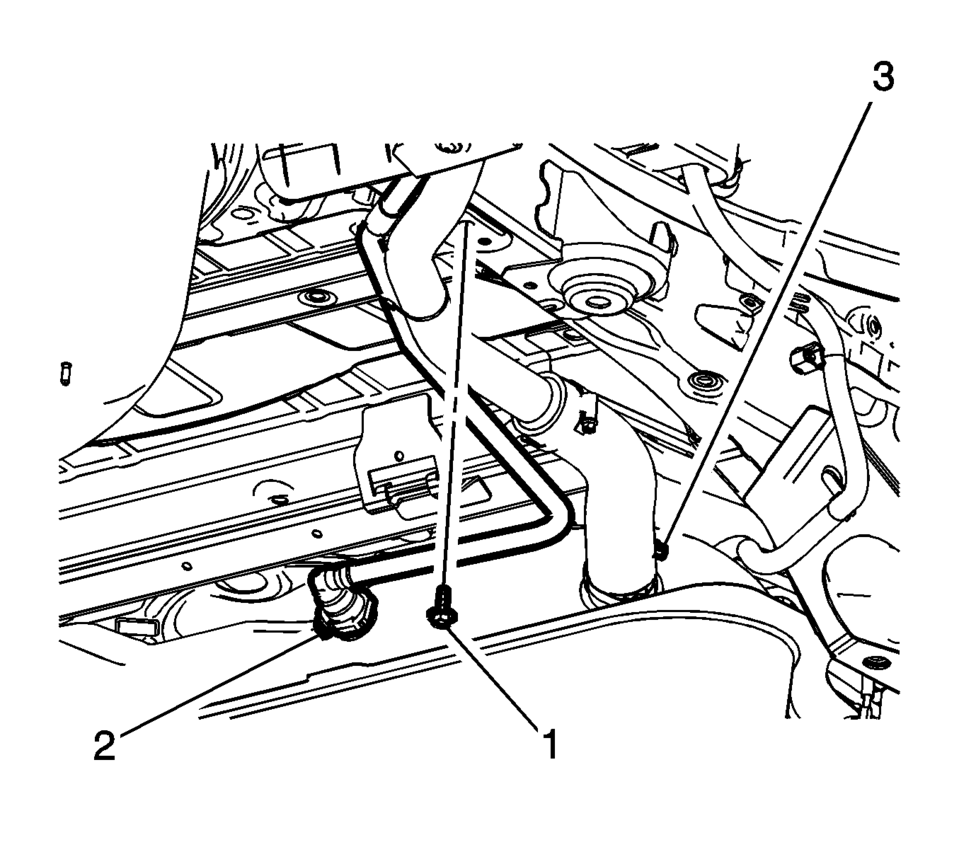
- Remove the fuel tank filler pipe bracket fastener (1).
- Disconnect the vent hose (2). Refer to Plastic Collar Quick Connect Fitting Service.
- Loosen the filler pipe hose clamp (3).
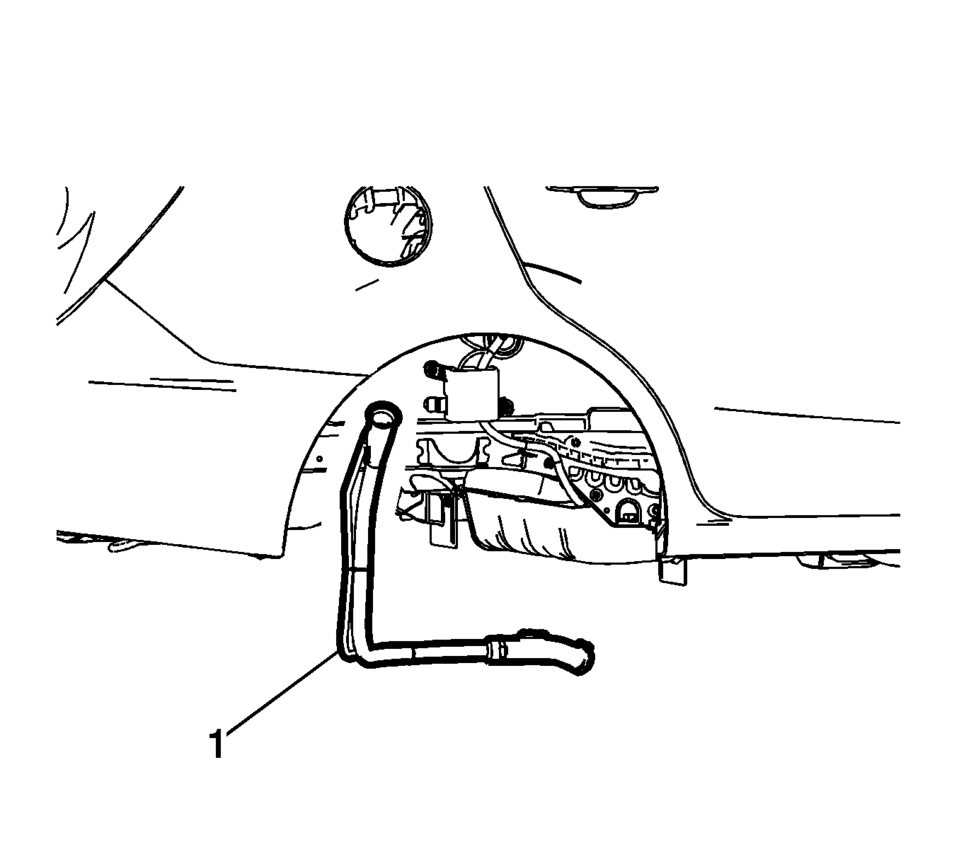
- Remove the fuel tank filler pipe (1).
- Installation Procedure
-
- Install the fuel tank filler pipe (1).
- Tighten hose clamp (3) to 4 Y(35 lb in)
.
- Connect the vent hose (2). Refer to Plastic Collar Quick Connect Fitting Service.
- Tighten the filler pipe bracket fastener (1) to
9 Y(89 lb in)
.
- Install the bracket fastener (1) and tighten to
9 Y(89 lb in).
Caution:
Refer to Fastener Caution.
 Fuel Tank Draining
Warning: Refer to Gasoline/Gasoline Vapors
Warning.
Note: The fuel tank must be drained with a suitable, commercially-available
fuel removal unit and suction hose - follow saf ...
 Fuel Tank Filler Pipe Replacement (Steel Tank)
Removal Procedure
Remove the fuel filler door housing. Refer to
Fuel Tank Filler Door Latch Housing Replacement.
Remove the bracket fastener (1).
Lift ...
Other materials:
SIR Inflator Module Handling and Storage Warning
Warning: When carrying an undeployed inflator module:
Do not carry the inflator module by the wires or connector.
Make sure the air bag opening points away from you.
When storing an undeployed inflator module:
Make sure the air bag opening points away from the surface o ...
Charge Air Bypass Regulator Solenoid Valve Replacement
Charge Air Bypass Regulator Solenoid Valve Replacement
Callout
Component Name
1
Charge Air Bypass Regulator Solenoid Valve Hose (Qty: 3)
Procedure
Disconnect the electrical connector.
...
K20 Engine Control Module: Programming and Setup
Special Tools
EL-49642 SPS Programming Support Tool
For equivalent regional tools, refer to Special Tools.
Note:
DO NOT program a control module unless directed to by a service procedure
or a service bulletin. If the control module is not properly configured
with the correct ...

0.0061