
Chevrolet Sonic Repair Manual: Brake Rotor Surface and Wear Inspection
Warning:
Refer to Brake Dust Warning.
- If the inboard friction surface of the brake rotor is not accessible, reposition and support the caliper with the brake pads. Refer to Front Disc Brake Pads Replacement.
- Clean the friction surfaces of the brake rotor with denatured alcohol, or an equivalent approved brake cleaner.
- Inspect the friction surfaces of the brake rotor for the following braking surface conditions:
- Heavy rust and/or pitting
Light surface rust can be removed with an abrasive disc. Heavy surface rust and/or pitting must be removed by refinishing the brake rotor.
- Cracks and/or heat spots
- Too much blueing discoloration
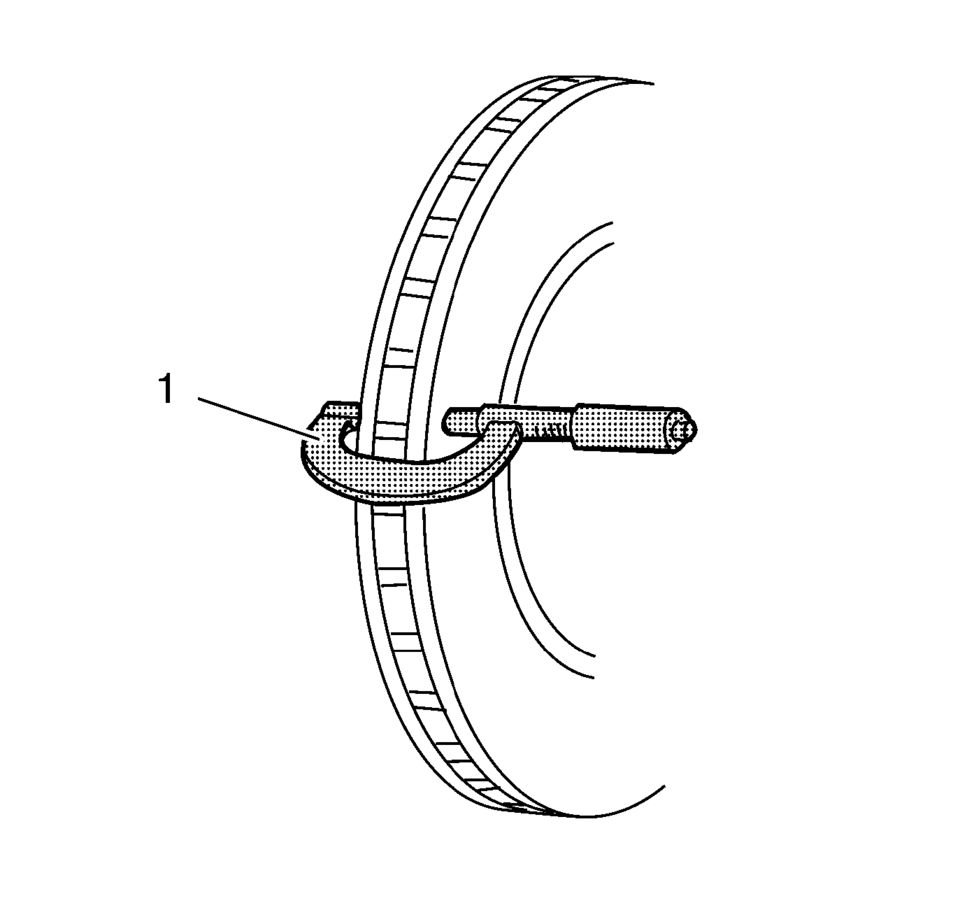
Brake rotor maximum allowable scoring: 1.50 mm (0.059 in) .
 Brake Rotor Refinishing
Special Tools
CH-41013 Rotor Resurfacing Kit
CH-42450-A Wheel Hub Resurfacing Kit
For equivalent regional tools, refer to Special Tools.
Warning: Refer to Brake Dust Warning.
Note ...
 Brake Rotor Thickness Measurement
Warning: Refer to Brake Dust Warning.
If the inboard friction surface of the brake rotor is not accessible, reposition
and support the caliper with the brake pads. Refer to Front Disc Bra ...
Other materials:
If the Off Indicator Is Lit for an Adult-Size Occupant
If a person of adult size is sitting in the front outboard passenger seat, but
the off indicator is lit, it could be because that person is not sitting properly
in the seat. Use the following steps to allow the system to detect that person and
enable the front outboard passenger frontal airb ...
Brake Drum Surface and Wear Inspection
Special Tools
CH-8001 Dial Indicator Set
For equivalent regional tools, refer to Special Tools.
Warning: Refer to Brake Dust Warning.
With the brake drum removed, clean the brake shoe lining contact surface
of the brake drum with denatured alcohol or an equivalent approved brak ...
P-Metric Sized Tires Description
245/50r16953typeloadindep-passengerttemporarylt-lighttruckspeedsymbolsectionwidth(millimeters)235245275construction(sectionwidth)ddagonal(bas)40sectionwidthsectionheight
Replacement tires should be of the same tire performance criteria (TPC) specification
number. This will ensure the same size, ...

0.0066