
Chevrolet Sonic Repair Manual: Communication Interface Module Battery Replacement
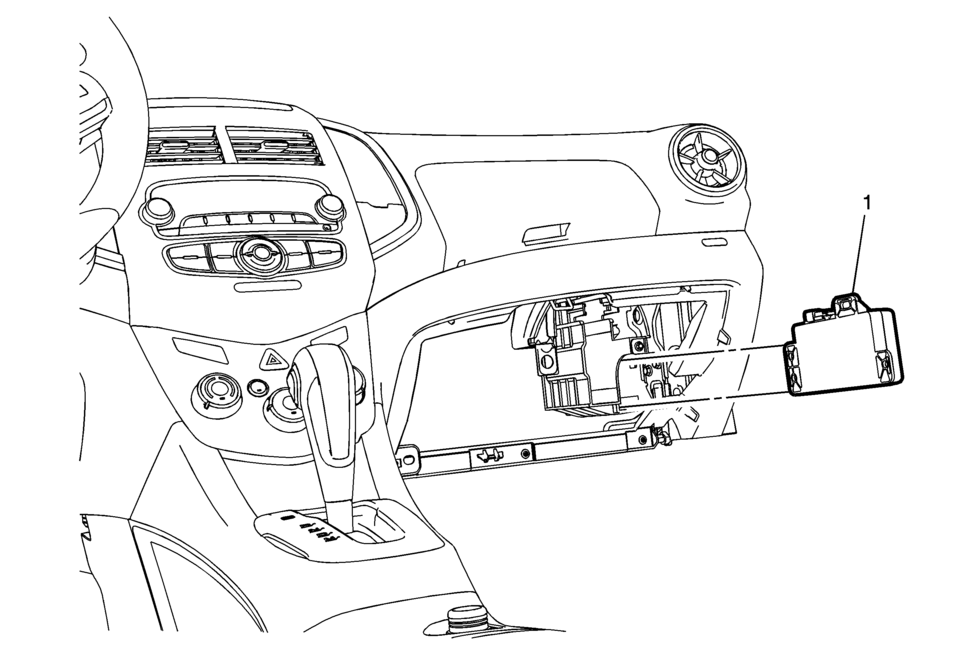
|
Callout |
Component Name |
|---|---|
|
Preliminary Procedure
Remove the instrument panel lower compartment. Refer to Instrument Panel Lower Compartment Replacement |
|
|
1 |
Communication Interface Module Battery Procedure
|
 Battery Replacement
Removal Procedure
Open the hood.
Disconnect the negative battery cable. Refer to Battery Negative Cable
Disconnection and Connection.
Remove the battery retainer bo ...
 Charging
...
Other materials:
Instrument Panel Lower Trim Pad Cover Replacement (Without AAL)
Instrument Panel Lower Trim Pad Cover Replacement
Callout
Component Name
1
Instrument Panel Lower Trim Pad Fastener (Qty:?€‰2)
Caution: Refer to Fastener Caution.
2
Instrumen ...
Air Cleaner Assembly Replacement
Air Cleaner Assembly Replacement
Callout
Component Name
1
Air Cleaner Outlet Duct Clamp.
Procedure
Loosen clamp and remove air cleaner outlet duct from air cleaner assembly.
2
Mass ...
Forward-facing child restraint installation using the seat belts
WARNING
When installing a forward-facing child restraint in the Nissan Armada,
the three-point seat belt must be placed into Automatic Locking Retractor (ALR)
mode.
If ALR mode is not activated, the child restraint may not be securely
fastened. This can cause the seat to shift or t ...

0.008