
Chevrolet Sonic Repair Manual: Evaporator Air Temperature Sensor Replacement (LHD)
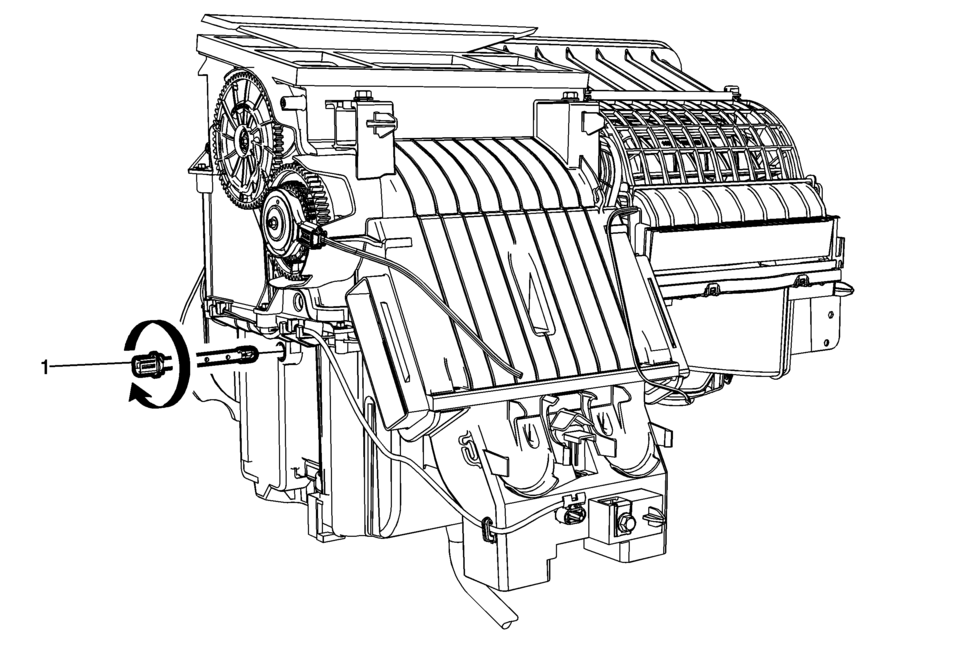
|
Callout |
Component Name |
|---|---|
|
1 |
Evaporator Air Refrigerant Temperature Sensor Procedures
|
 Air Conditioning Evaporator Thermal Expansion Valve Replacement
Callout
Component Name
Preliminary Procedure
Recover the refrigeran ...
 Heater and Air Conditioning Evaporator Case Replacement
Air Conditioning (A/C) Evaporator Case Assembly Replacement
Callout
Component Name
Preliminary Procedure
Remove the instrument pane ...
Other materials:
Storing an SiriusXM Channel
Drivers are encouraged to set up XM channel favorites while the vehicle is not
moving. Tune to favorite stations using the pushbuttons, favorites button, and steering
wheel controls. See Defensive Driving.
A maximum of 36 stations can be programmed as favorites using the six pushbuttons
posit ...
Transmission Rear Mount Replacement
Removal Procedure
Raise and support the vehicle. Refer to
Lifting and Jacking the Vehicle.
Remove and DISCARD the rear transmission mount bracket
to rear mount through bolt (1).
Remove rear transmission mount to frame bolt (3).
Push and hold ...
How to use the HUD
Basic information
To activate the Head Up Display in the Nissan Armada, press the HUD switch. Press
it again to turn the system off.
If the HUD is turned off, it will remain disabled even after restarting the Nissan
Armada, maintaining the last selected setting.
The following HUD settings ...

0.0059