
Chevrolet Sonic Repair Manual: Parking Brake Adjustment (Disc Brake)
Note:
The park brake cable adjusting nut is a nylon lock type. Use ONLY HAND TOOLS whenever tightening or loosening the adjusting nut.
- Apply and fully release the park brake several times. Verify that the park brake lever releases completely.
- Turn ON the ignition. Verify the red BRAKE warning lamp is not illuminated.
- If the red BRAKE warning lamp is illuminated, verify the following:
- The park brake lever is in the fully released position and against the stop.
- There is no slack in the park brake cables.
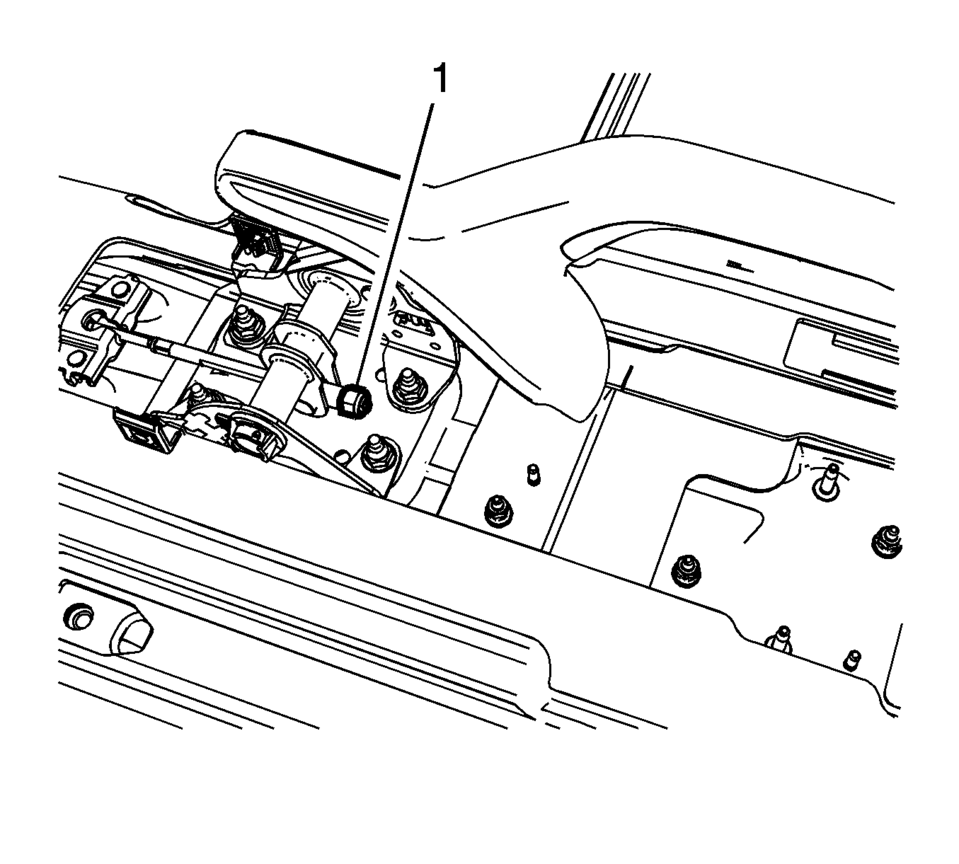
- One of the tire and wheel assemblies should not rotate forward or rearward.
- The other tire and wheel assembly should not rotate forward or rearward, or should require substantial effort to rotate.
 Park Brake and P (Park) Mechanism Check
Warning: When you are doing this check, the vehicle could begin to
move. You or others could be injured and property could be damaged. Make sure
there is room in front of the vehicle in case ...
 Parking Brake Adjustment (Drum Brake)
Note: The park brake cable adjusting nut is a nylon lock type. Use
ONLY HAND TOOLS whenever tightening or loosening the adjusting nut.
Apply and fully release the park brake several times ...
Other materials:
Bluetooth Controls
Use the buttons located on the infotainment system and the steering wheel to
operate the Bluetooth system.
Steering Wheel Controls
(Push to Talk): Press to answer
incoming calls, confirm system information, and start voice recognition.
(Mute/End Call): Press to end a
call, reject a call, ...
Liftgate Window Replacement
Special Tools
BO-24402-A Glass Sealant Remover (Cold Knife)
BO-39032 Stationary Glass Removal Tool
Use an adhesive that is approved by GM
For equivalent regional tools, refer to Special Tools
Removal Procedure
Warning: Refer to Cracked Window Warning.
Note ...
Transmission Assemble (Gen 1)
Special Tools
3-9506289 Universal Adapter
R-0007758 Holding Fixture
S-9407197 Differential Rotating Tool
S-9407198 Differential Bearing Race Wrench
For equivalent regional tools, refer to Special Tools.
Install the clutch and differential housing assembly (1)
onto ...

0.0084