
Chevrolet Sonic Repair Manual: Range Selector Lever Cable Adjustment
- Set the park brake and chock the wheels.
- Verify the transmission range select lever is in the park position.
- Verify the transmission manual shift lever is in the park position.
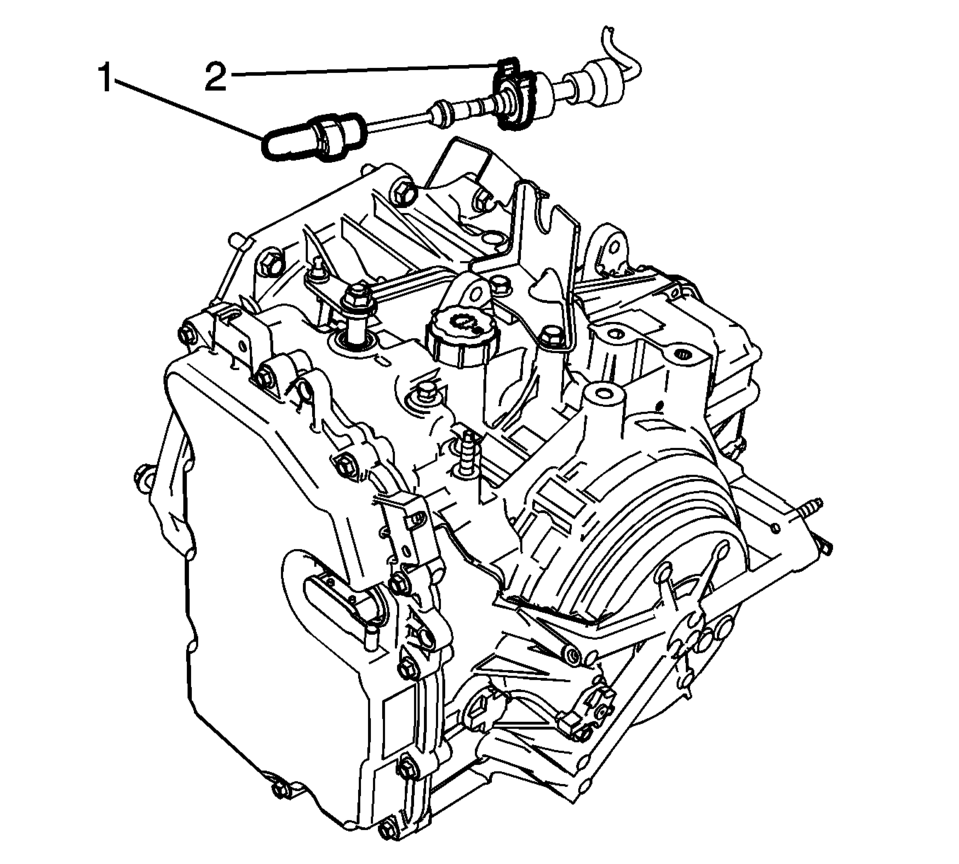
- Disconnect the range selector cable (2) from the range selector cable bracket.
- Disconnect the range selector cable end (1) from the range selector lever.
- Release the range select cable adjuster clip from the cable end (1).
- Connect the range selector cable (2) to the range selector cable bracket.
- Connect the range selector cable end (1) to the range selector lever.
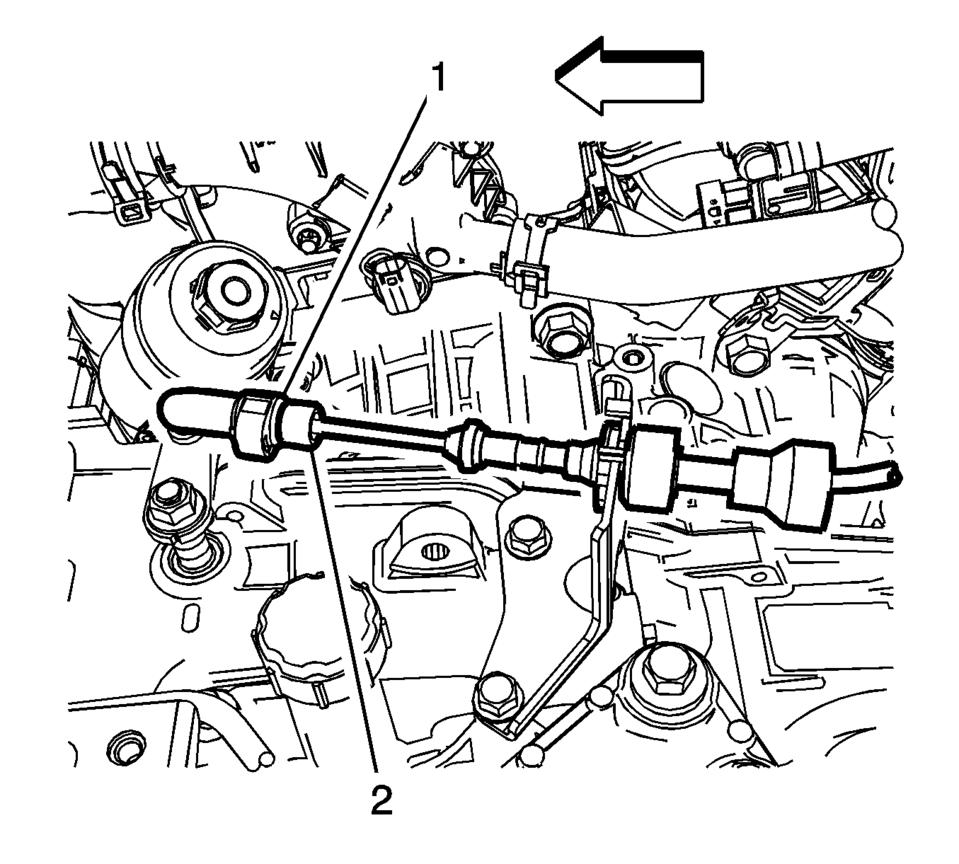
- Depress the adjuster clip (1) locking the adjuster clip completely.
- Ensure the cable tube (2) is secure.
- Check the transmission range select lever in all gear selections for proper operation.
Note:
Adjust the automatic transmission range selector cable while the transmission and the gear selector are in the Park position only. Failure to do so may cause mis-adjustment.
 Manual Transmission Shift Lever and Selector Lever Cable Replacement
Removal Procedure
Remove the battery tray. Refer to
Battery Tray Replacement.
\i
Disconnect the shift lever and selector cable ends (1)
from the transmission s ...
 Range Selector Lever Cable Bracket Replacement
Removal Procedure
Set the park brake and chock the wheels.
Disconnect the range selector cable end (1) from the
range selector lever.
Disconnect the range selector ...
Other materials:
Body Lock Pillar Upper Trim Panel Replacement (Hatchback)
Body Lock Pillar Upper Trim Panel Replacement
Callout
Component Name
Preliminary Procedure
Disable the SIR system. Refer to SIR Disabling and Enabling.
1
Inflatable Restraint Airbag Cover
...
Odor Correction
Eliminating Air Conditioning Odor
Odors may be emitted from the air conditioning system primarily at start
up in hot, humid climates. The following conditions may cause the odor:
Debris is present in the HVAC module.
Microbial growth on the evaporator core
When the blower ...
Differential lock mode switch
The rear differential lock (DIFF-LOCK) in the Nissan Armada is designed to evenly
distribute engine torque between the left and right rear wheels, improving traction
in low-grip conditions.
To activate the differential lock in the Nissan Armada, reduce speed below 4
MPH (7 km/h), switch t ...

0.0069