
Chevrolet Sonic Repair Manual: Rear Brake Shield Replacement
- Removal Procedure
-
- Raise and support the vehicle. Refer to Lifting and Jacking the Vehicle.
- Remove the rear tire and wheel assembly. Refer to Tire and Wheel Removal and Installation.
- Remove the rear brake rotor. Refer to Rear Brake Rotor Replacement.
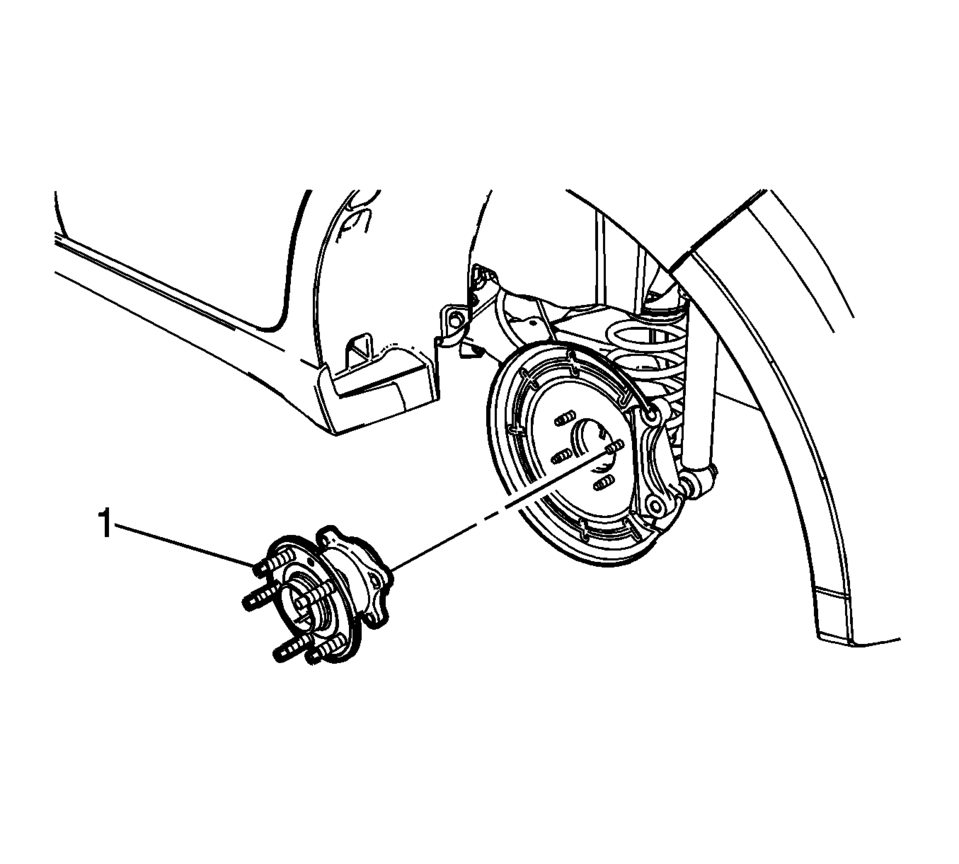
- Remove the rear wheel bearing and hub assembly (1). Refer to Rear Wheel Bearing and Hub Replacement.
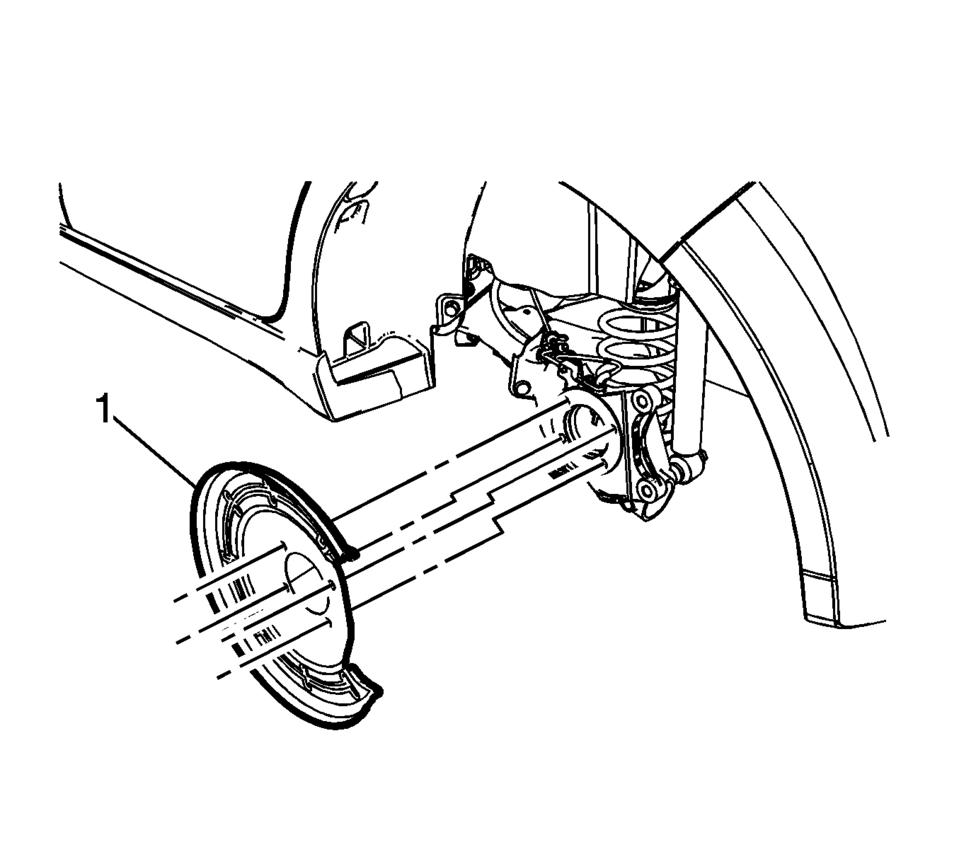
- Remove the rear brake shield (1).
Warning:
Refer to Brake Dust Warning.
- Installation Procedure
-
- Install the rear brake shield (1).
- Install the rear wheel bearing and hub assembly (1). Refer to Rear Wheel Bearing and Hub Replacement.
- Install the rear brake rotor. Refer to Rear Brake Rotor Replacement.
- Install the rear tire and wheel assembly. Refer to Tire and Wheel Removal and Installation.
 Rear Brake Rotor Replacement
Special Tools
CH-41013 Rotor Resurfacing Kit
CH-42450-A Wheel Hub Resurfacing Kit
For equivalent regional tools, refer to Special Tools.
Removal Procedure
Warning: Refer to Bra ...
 Rear Disc Brake Mounting and Hardware Inspection
Warning: Refer to Brake Dust Warning.
Caution: Support the brake caliper with heavy mechanic wire, or
equivalent, whenever it is separated from its mount and the hydraulic flexible
...
Other materials:
Driver or Passenger Seat Adjuster Handle Replacement (4 Way Uplevel)
Driver or Passenger Seat Adjuster Handle Replacement
Callout
Component Name
1
Front Seat Adjuster Handle Cover
Procedure
Use a flat-bladed tool to push inward on the three tabs to release the
handle cover from ...
Front Wheel Drive Shaft Seal Replacement - Left Side
Front Wheel Drive Shaft Seal Replacement - Left Side
Callout
Component Name
Preliminary Procedure
Raise and support the vehicle. Refer to Lifting and Jacking the
Vehicle.
Remove the front wheel drive shaft from the transm ...
Spark Plug Inspection
Spark Plug Usage
Ensure that the correct spark plug is installed. An incorrect spark
plug causes driveability conditions.
Ensure that the spark plug has the correct heat range. An incorrect
heat range causes the following conditions:
Spark plug fouling—Colder plu ...

0.0068