
Chevrolet Sonic Repair Manual: Thrust Washer and Bearing Cleaning and Inspection
- Mark or tag the bearings in order to ensure they are properly installed in the correct location.
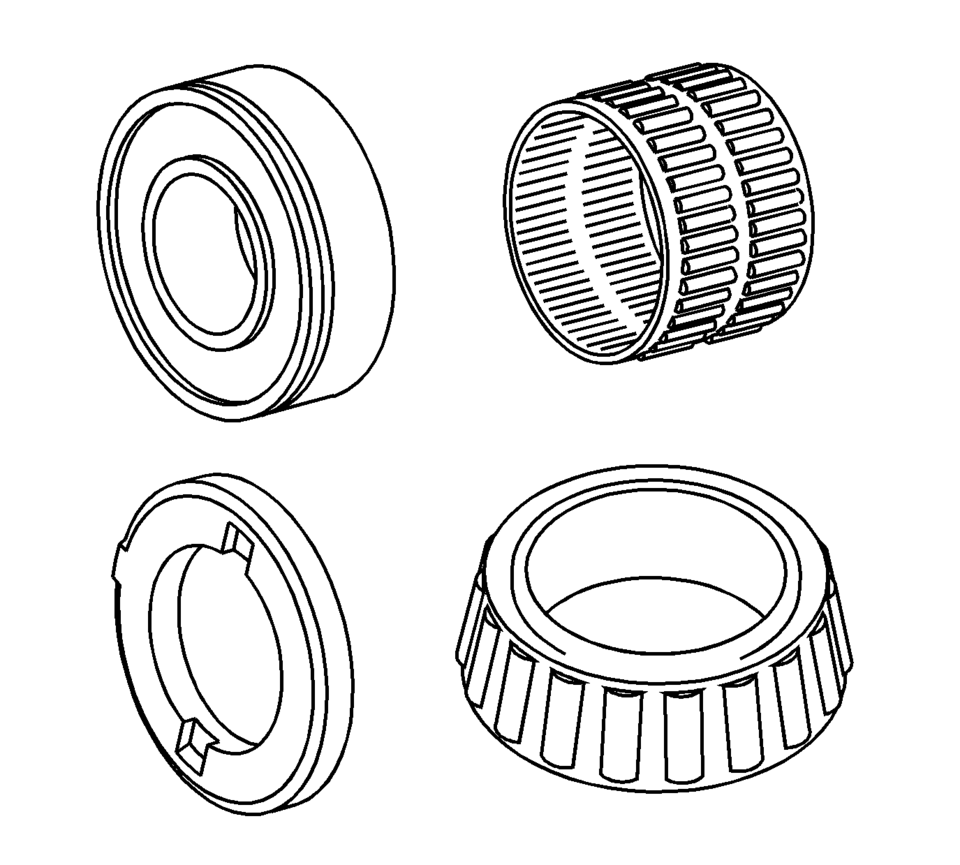
- Clean all of the roller bearings, needle bearings, and ball bearings in a suitable solvent and air dry all the parts.
- Inspect the bearings and races for the following conditions:
Warning:
Wear safety glasses to avoid injury when using compressed air or any cleaning solvent. Bodily injury may occur if fumes are inhaled or if skin is exposed to chemicals.
Caution:
Do not allow the bearings to spin. Turn them slowly by hand. Spinning the bearings may damage the race and the rollers.
- Roughness
- Brinelling
- Pitting
 Special Tools
Illustration
Tool Number/Description
3-0207944
Main Shaft Tapered Bearing Insert Tool
3950628 ...
 Transmission Assemble (Gen 1)
Special Tools
3-9506289 Universal Adapter
R-0007758 Holding Fixture
S-9407197 Differential Rotating Tool
S-9407198 Differential Bearing Race Wrench
For equivalent regional tools, refer ...
Other materials:
Front Seat Back Recliner Handle Replacement
Front Seat Back Recliner Handle Replacement
Callout
Component Name
1
Front Seat Recliner Handle Cover Cap
Procedure
Use a flat-bladed tool to release the handle cover from the handle assembly.
...
Camshaft Timing Chain Inspection
Special Tools
EN-952 Fixing Pin
EN-953-A Fixing Tool
EN-49977-100 Transmitter Disc Fixation
For equivalent regional tools, refer to Special Tools.
Remove the ignition coil. Refer to Ignition Coil Replacement.
Remove the camshaft cover. Refer to Camshaft Cover Replacement.
...
How to activate/deactivate the automatic brake hold function
To enable the automatic brake hold feature in your Nissan Armada, ensure the
ignition switch is in the ON position, then press the automatic brake hold switch
1. Once activated, the indicator light on the switch 2 will illuminate, confirming
that the system is ready for operation.
When ...

0.0068