
Chevrolet Sonic Repair Manual: Piston and Connecting Rod Disassemble
- Remove the piston with connection rod. Refer to Piston, Connecting Rod, and Bearing Removal.
- Detach the piston from the connection rod.
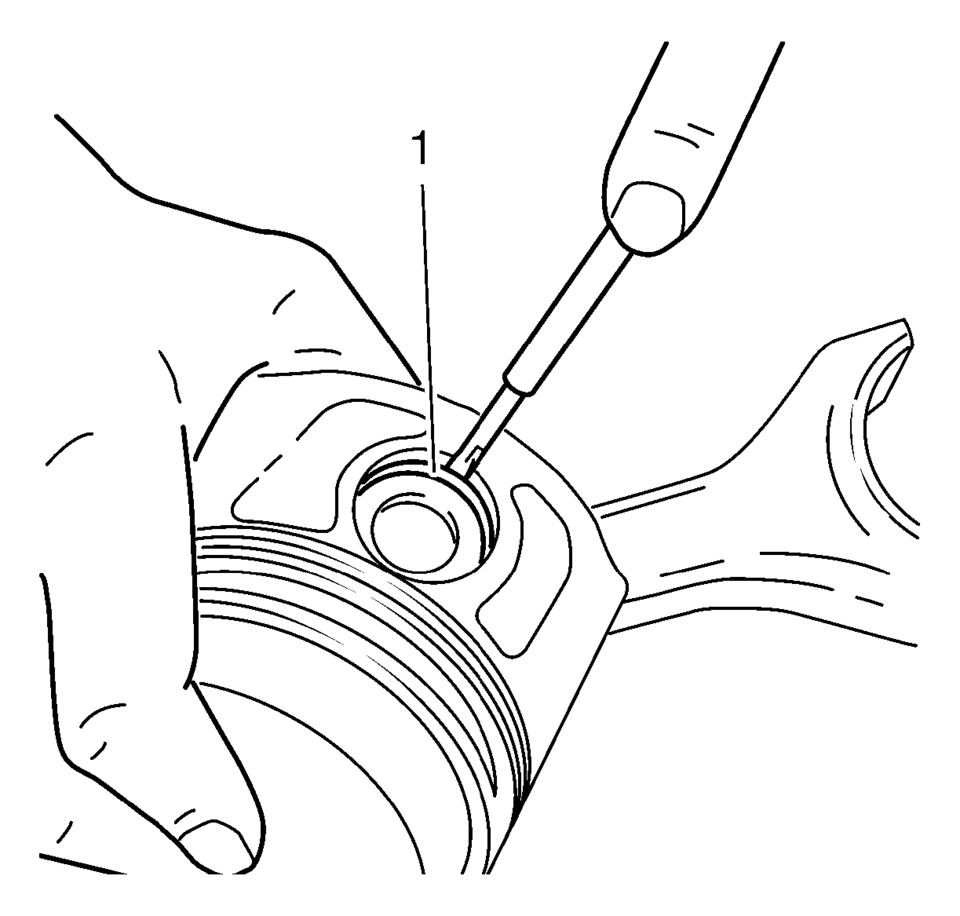
- Remove the retainer (1) from the piston eye.
- Press the piston pin out of the piston.
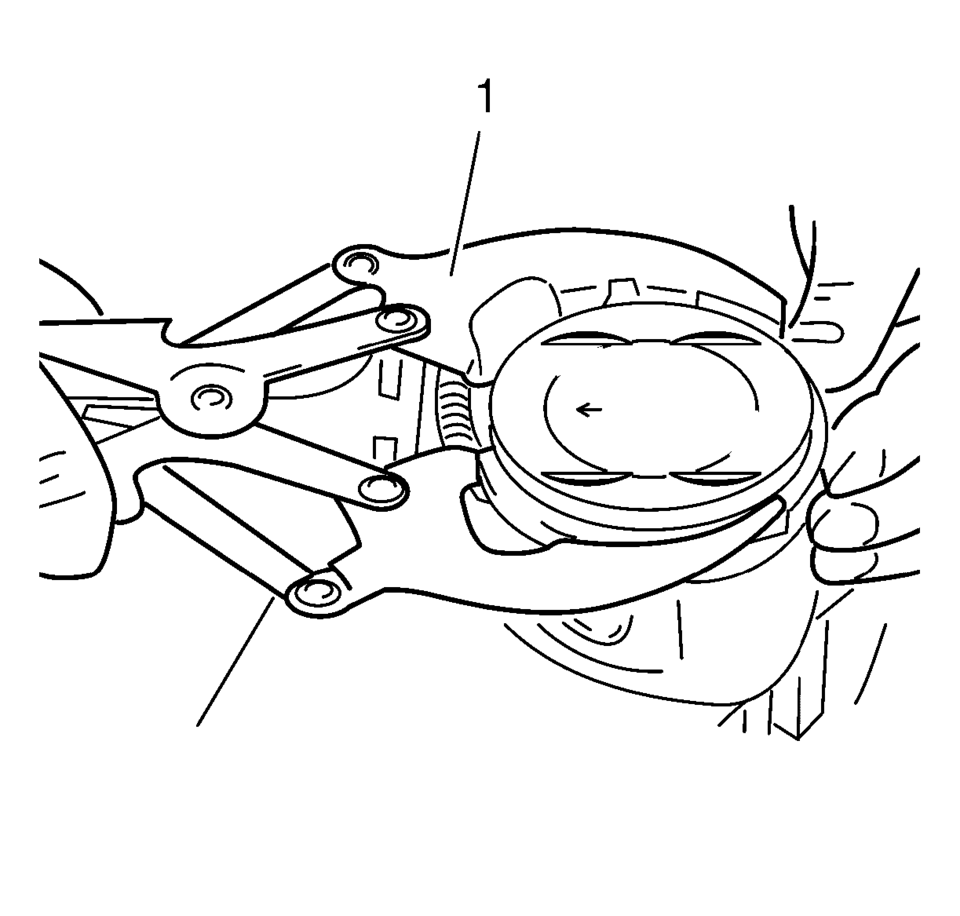
- Remove the piston rings, using piston ring pliers (1).
Remove oil carbon from the groove with a split piston ring, filed to a wedge-shape.
- Measure the piston ring gap.
Note:
Note installation position of the piston in respect of the connection rod.
Note:
Do not damage the bore.
- Tension the piston ring in the cylinder and measure the gap with a feeler gauge.
- Permissible ring gap:
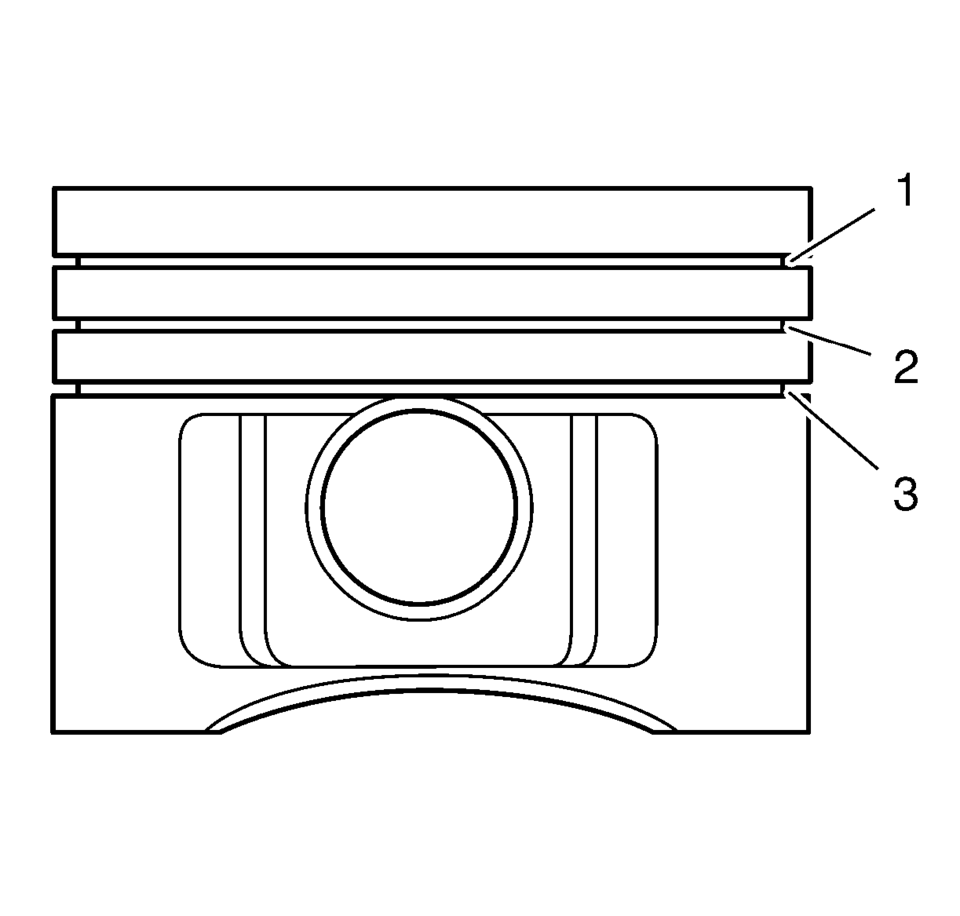
- Rectangular compression ring (1): 0.20-0.40 mm (0.007-0.015 in)
- Tapered compression ring (2): 0.40-0.60 mm (0.015-0.023 in)
- Oil scraper ring (3): 0.25-0.75 mm (0.009-0.029 in)
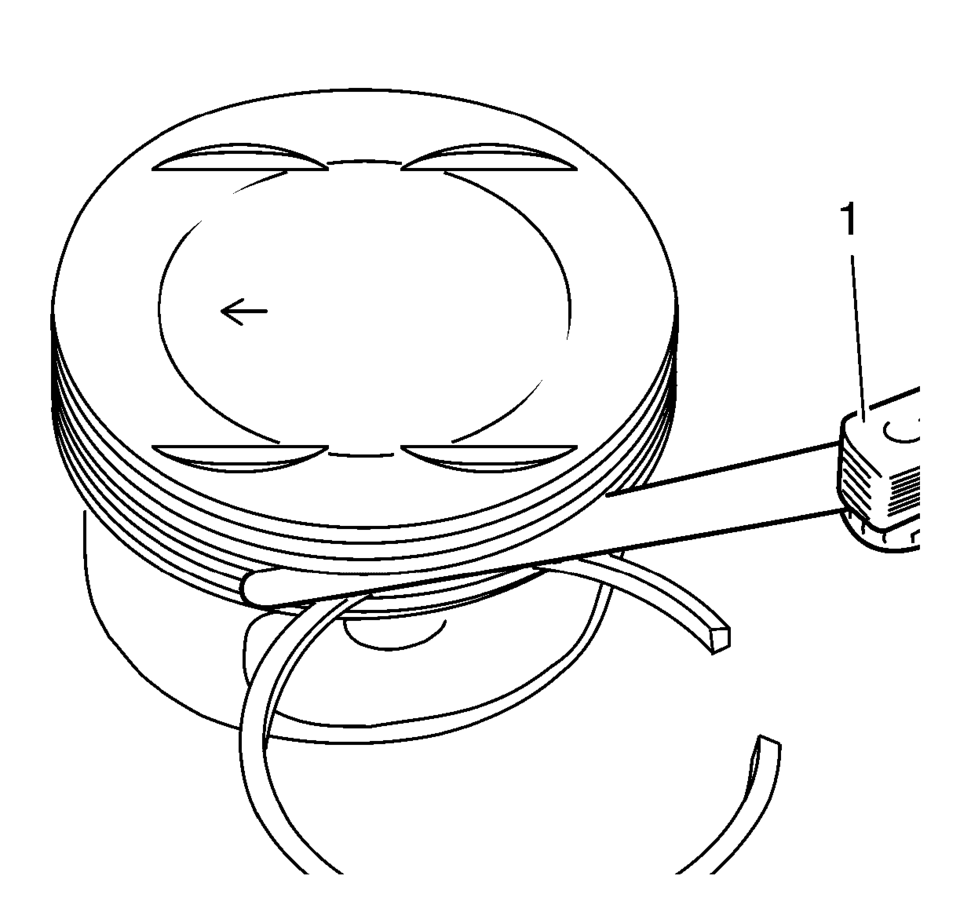
Permissible vertical play:
- Rectangular compression ring (1): 0.04-0.08 mm (0.001-0.003 in)
- Tapered compression ring (2): 0.03-0.07 mm (0.001-0.002 in)
- Oil scraper ring (3): 0.03-0.13 mm (0.001-0.005 in)
 Piston and Connecting Rod Assemble
Special Tools
EN-49941 Remover / Installer Piston Retainer Ring
For equivalent regional tools, refer to Special Tools.
Note: Lubricate the piston pin with clean engine oil.
In ...
 Piston, Connecting Rod, and Bearing Cleaning and Inspection
Special Tools
EN-470-B Angular Torque Wrench
For equivalent regional tools, refer to Special Tools.
Visual Inspection And Cleaning Procedure
Connecting Rod
Warning: Wear safety gla ...
Other materials:
Wheels and Trim—Aluminum or Chrome
Use a soft, clean cloth with mild soap and water to clean the wheels. After rinsing
thoroughly with clean water, dry with a soft, clean towel. A wax may then be applied.
Caution
Chrome wheels and other chrome trim may be damaged if the vehicle is not washed
after driving on roads that have bee ...
Radio Antenna Base Replacement
Radio Antenna Base Replacement
Callout
Component Name
Preliminary Procedure
Lower the rear of the headlining trim panel. Refer to
Headlining Trim Panel Replacement.
1
Radio Antenna Base Fastener
...
Front Compartment Front Insulator Cover Replacement
Front Compartment Front Insulator Cover Replacement
Callout
Component Name
1
Front Compartment Front Insulator Cover Screw (Qty:?€‰2)
Caution: Refer to Fastener Caution.
Tighten
2.5?€‰Y (22?₠...

0.0068